
1. Read emails in the project’s “Correspondence” section. To view the full context, click “Back to original thread”. 2. To view a related PO, click “Open our document” in the “Agreement” section, or click “Open” next to the PO record under “Milestones” on the right. 3. To link another existing document to the project, click “Match a document”.
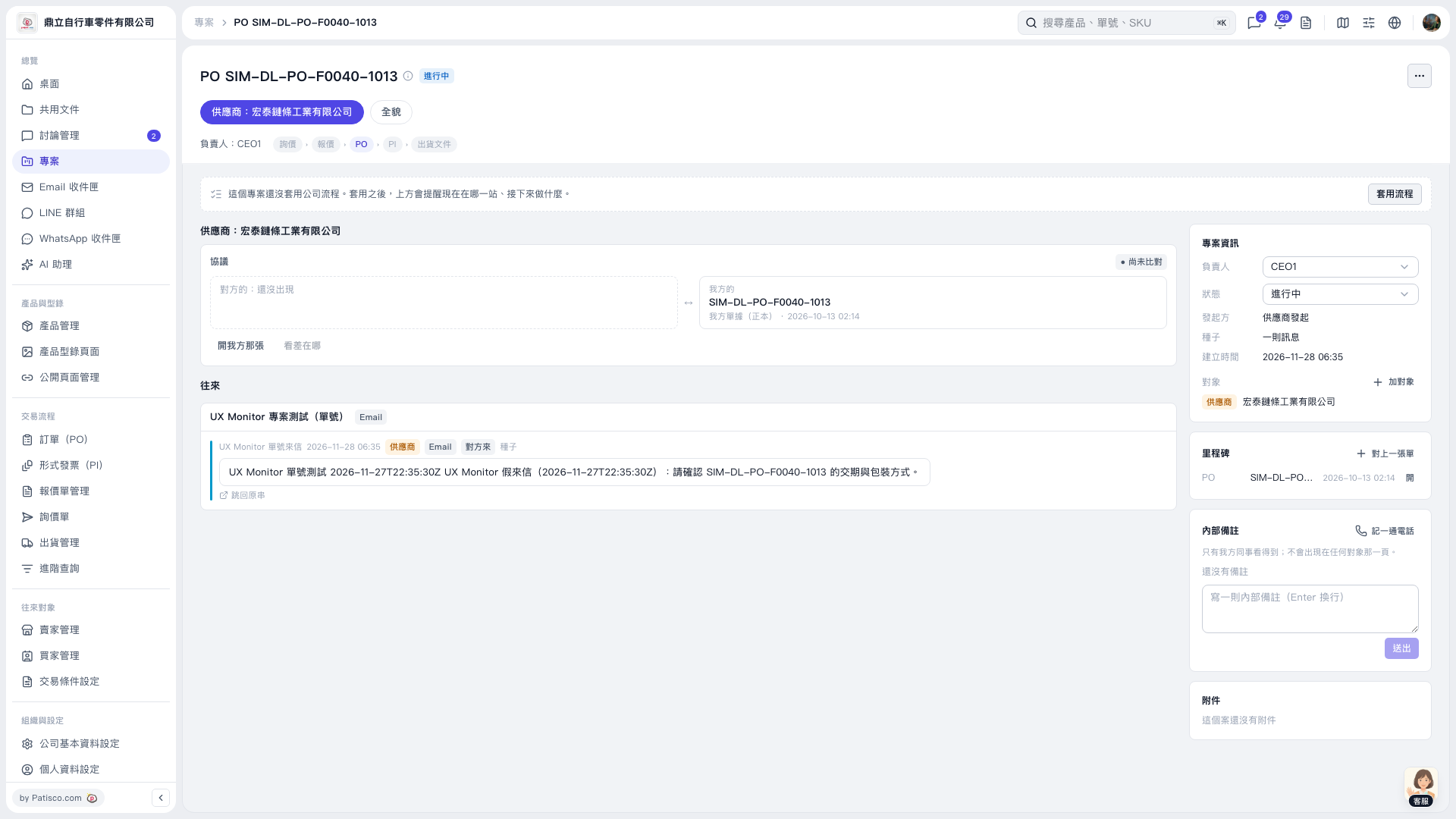 V5 新桌面版|PO SIM–DL–PO–F0040–1013