
1. In the project information section on the right, use the “Owner” and “Status” dropdown menus to change the owner and project status. 2. To add a contact to the correspondence, click “Add contact”. 3. Enter a handling record in “Internal notes”, then click “Submit”. To record the details of a phone call, click “Log a phone call”. 4. To track follow-up work according to your company’s workflow, click “Apply workflow” at the top to view the current stage and prompts for the next tasks.
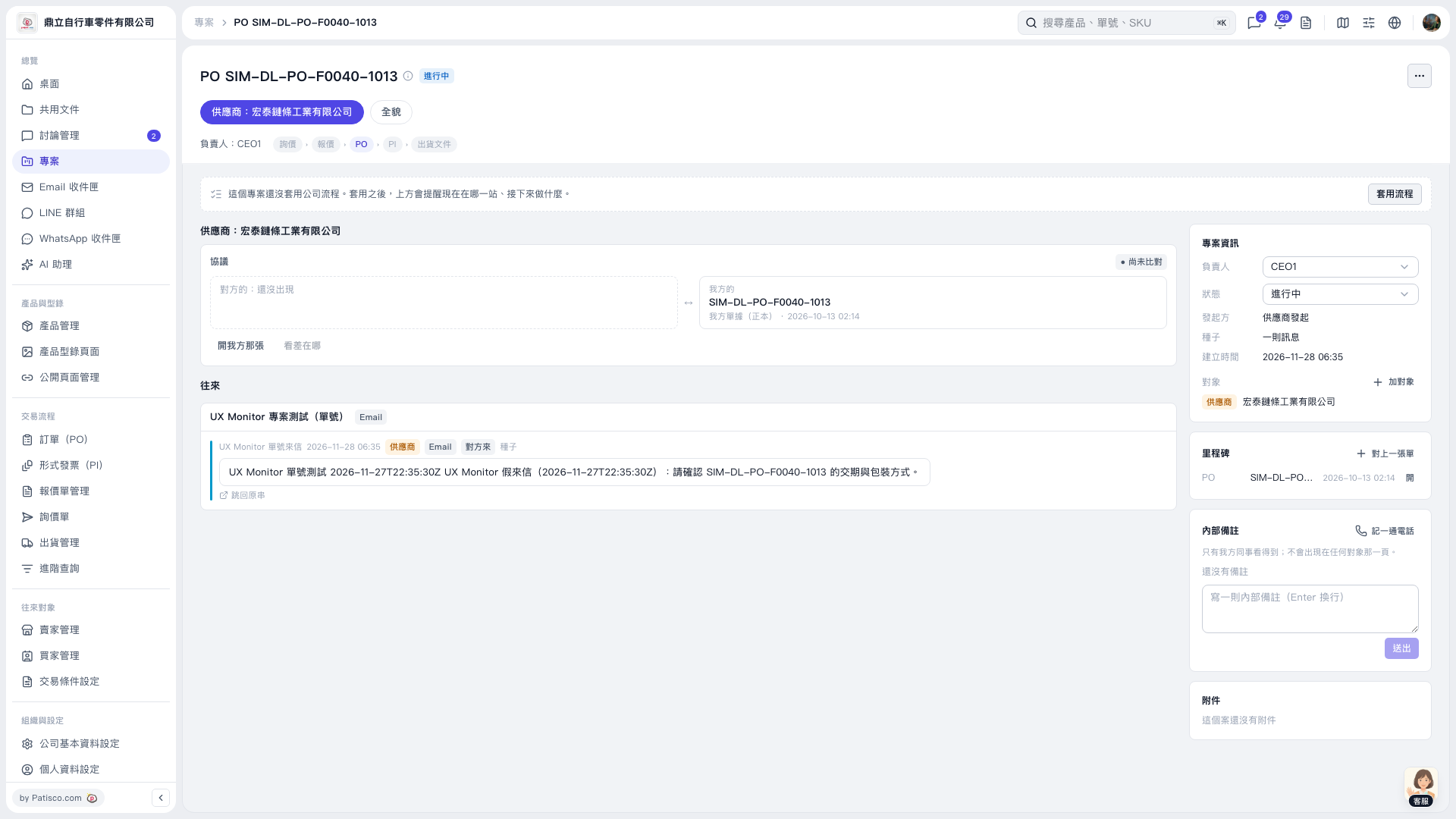 V5 新桌面版|PO SIM–DL–PO–F0040–1013