
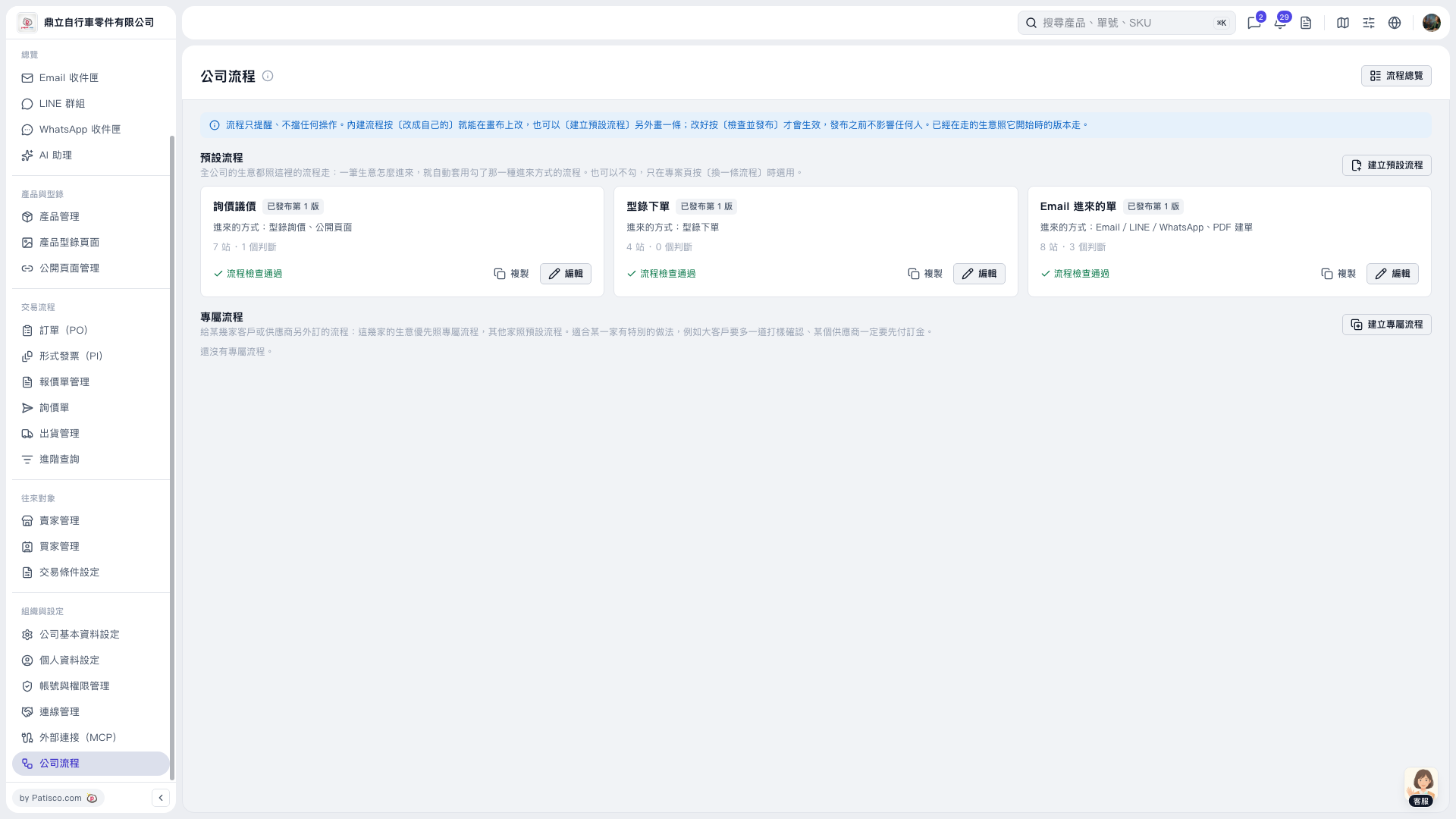
1. Sign in with the super administrator account, then go to "Company Workflows" under "Organization & Settings" in the sidebar. 2. To view the overall workflow, click "Workflow Overview" at the top right. 3. To edit a workflow, find it by "Entry Method" in the "Default Workflows" section, then click "Edit" at the bottom right of its card. 4. When you finish making changes, click "Check and Publish" to apply them.
 V5 新桌面版|公司流程