
1. On the "Company Workflows" page, click "Create Default Workflow" in the "Default Workflows" section. 2. Under "Where to Start", choose how to create the workflow. The default is "Start from Scratch (Start and End Only)". You can also choose a built-in workflow to copy. 3. Once created, under "Entire Workflow" on the canvas, select the "Entry Methods" you want to connect. Default workflows are available company-wide. 4. After editing, click "Check and Publish" for the workflow to take effect. Publishing does not affect business already in progress.
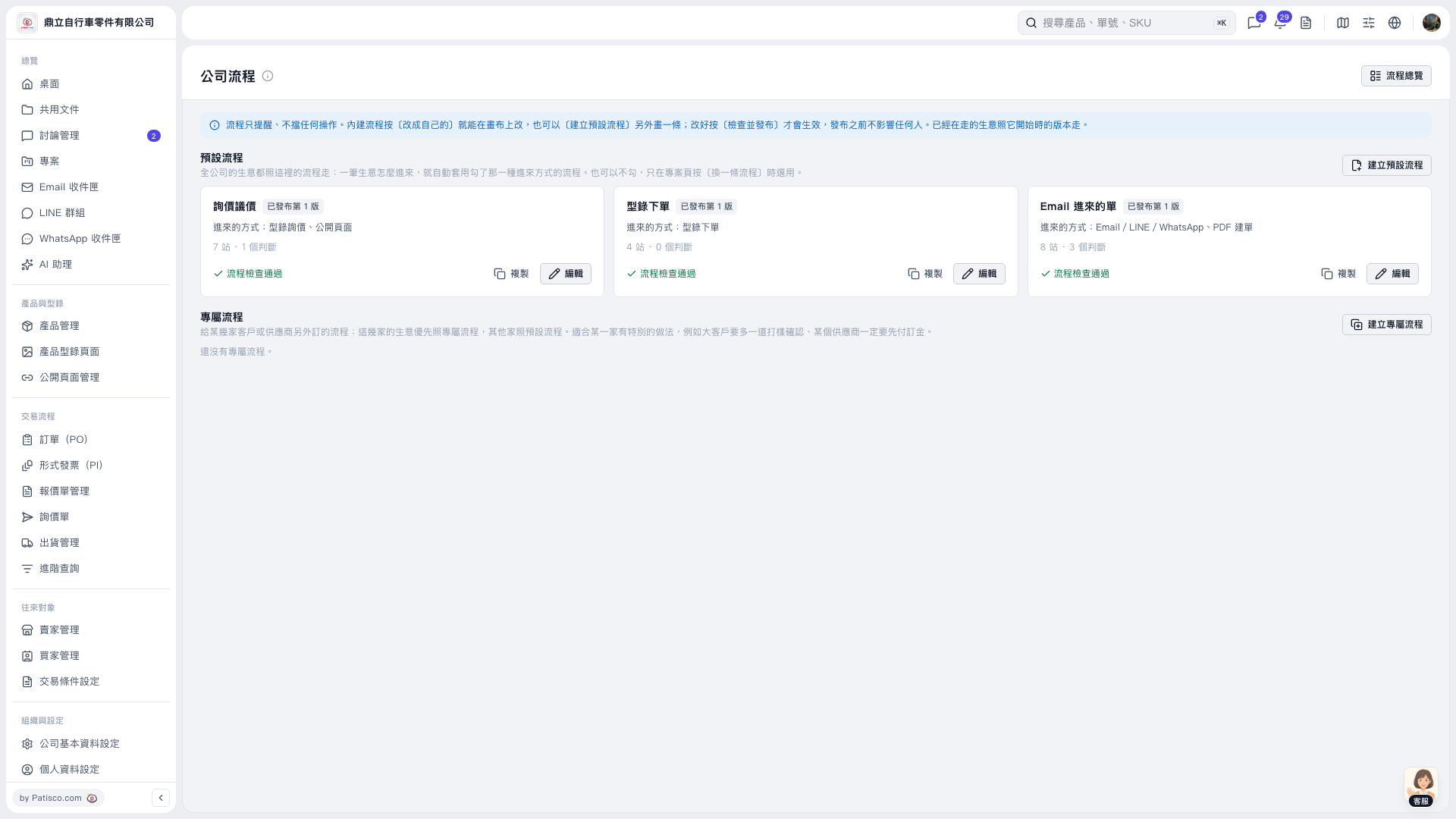 V5 新桌面版|公司流程