
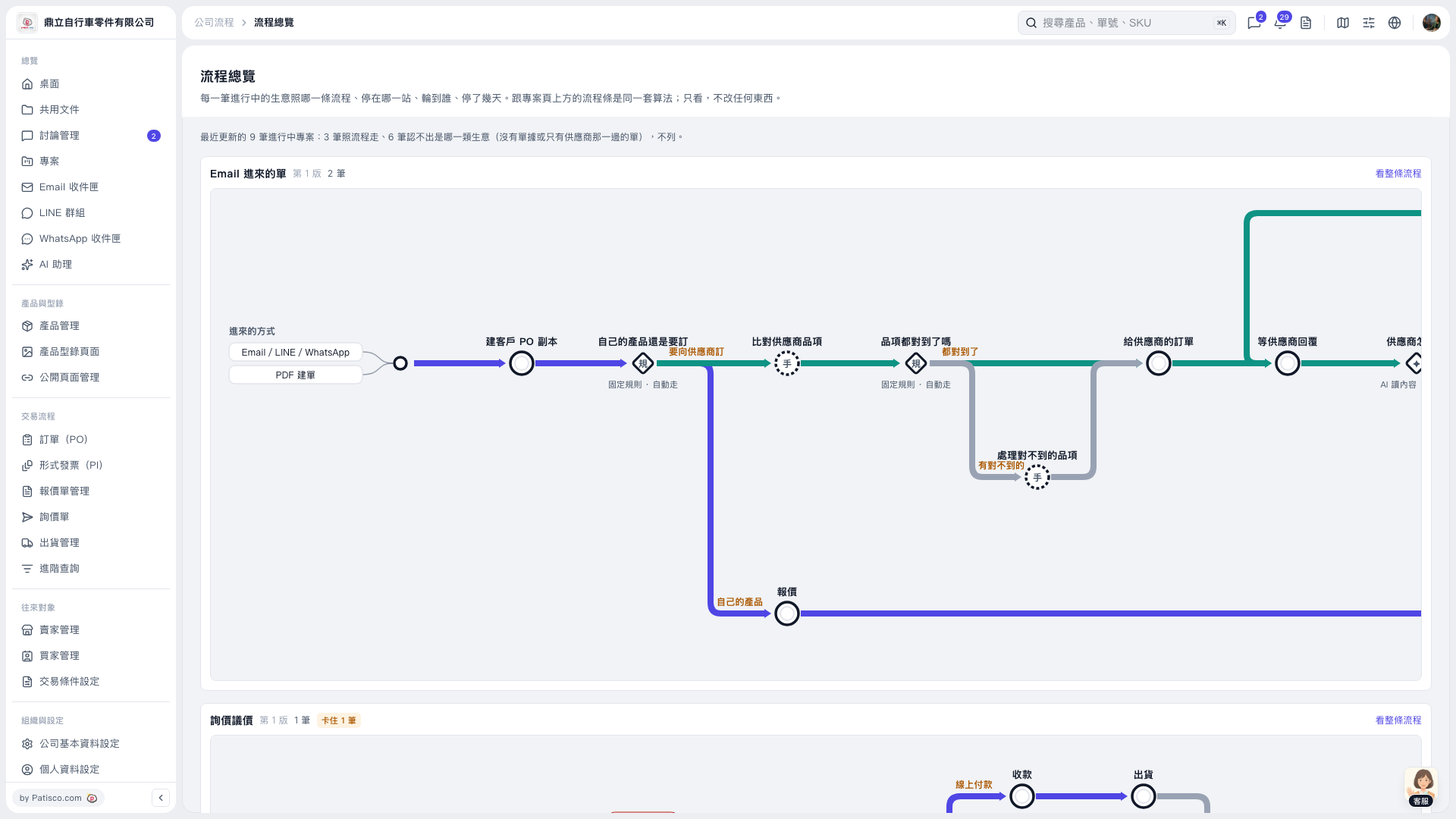
1. Using the highest-level administrator account, go to “Company workflow” and click [Workflow overview] in the upper right. 2. Check the statistics for ongoing projects at the top of the page to see which projects have an identified workflow. Projects with no documents or only supplier-side documents may not be classifiable and will not be included in a workflow. 3. Find the workflow card you want to view and check the workflow version, project count, and stalled project count. Then follow the connecting lines to read through the stages and branches. The number of projects at each stage is shown above that stage, with stalled projects marked separately. 4. Check the project table below to see each project's current stage, whose turn it is, days at the stage, and person in charge. 5. Click [View entire workflow] in the upper right of the workflow card to view the complete workflow. The workflow overview is for viewing only and does not modify project data.
 V5 新桌面版|流程總覽