
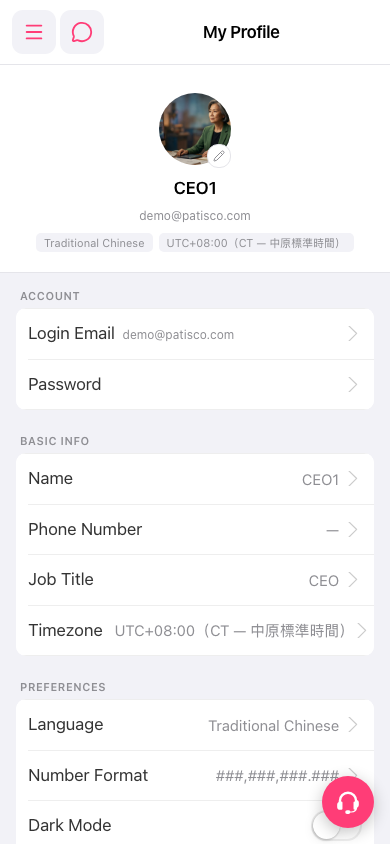
1. Tap the menu icon (three lines) at the top left of the screen to open the side navigation menu. 2. Select "My Profile" in the menu to go to the My Profile page. 3. The page shows three sections: ACCOUNT, BASIC INFO, and PREFERENCES, which hold your account, basic information, and preference settings respectively.
 手機版|My Profile