
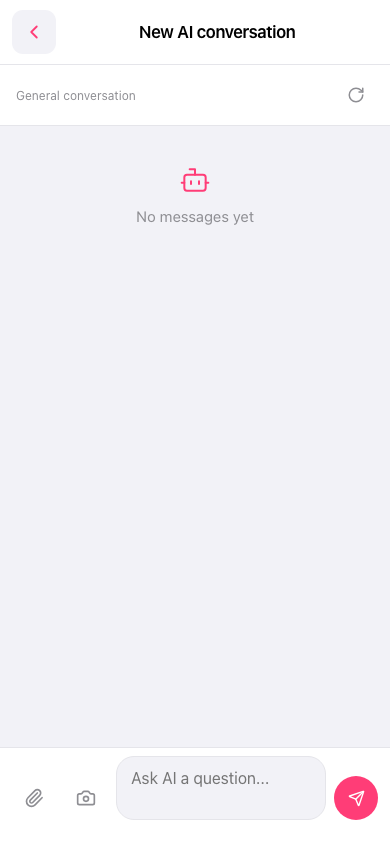
1. On the “New AI conversation” page, tap Attachment (paper clip) in the lower-left corner to select a file, or tap the Camera icon next to it to open the camera. 2. Enter your question in the “Ask AI a question...” input field. 3. Tap the Send (paper airplane) button in the lower-right corner to send it.
 手機版|New AI conversation