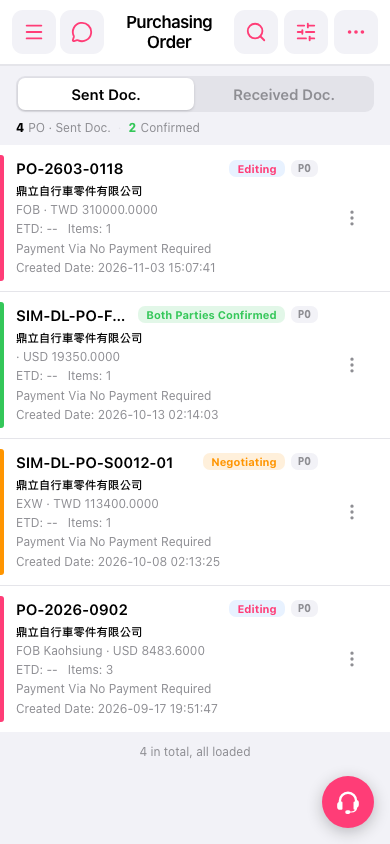
1. Find the PO you want to work with in the PO list. 2. Tap “More” (the vertical three-dot icon) on the right side of the PO card. 3. Select an action from the menu that opens.
 手機版|採購訂單(Purchasing Order)

1. Find the PO you want to work with in the PO list. 2. Tap “More” (the vertical three-dot icon) on the right side of the PO card. 3. Select an action from the menu that opens.
手機版|採購訂單(Purchasing Order)