
1. Open the case you want to update and check the case name and current status, such as “In Progress,” on the case information card. 2. Tap “Change Status” at the bottom of the card. 3. Select the target status from the options on the next screen and follow the prompts to complete the change. 4. Return to the case page and check whether the status label has been updated.
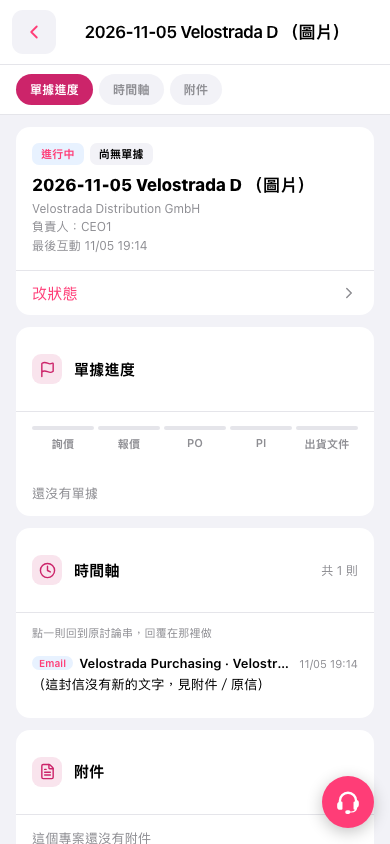 手機版|2026-11-05 Velostrada D (圖片)