
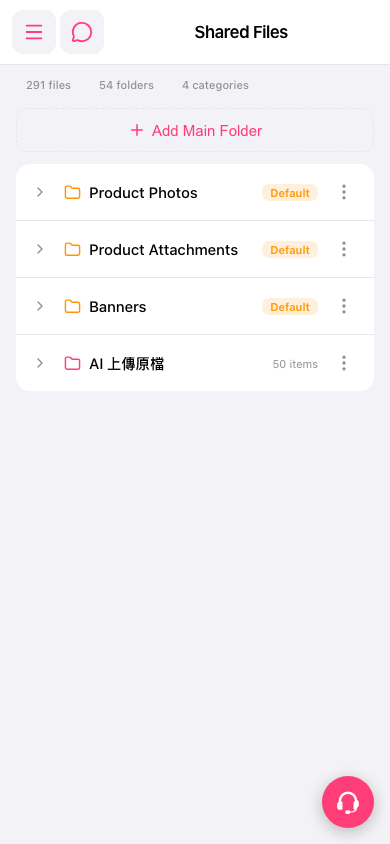
1. In the folder list on the "Shared Files" page, find the folder you want to view. 2. Tap the folder name or the right-pointing arrow on its left to view or expand its contents. 3. To manage the folder, tap the three-dot icon on the right side of that row to see the available actions.
 手機版|Shared Files