
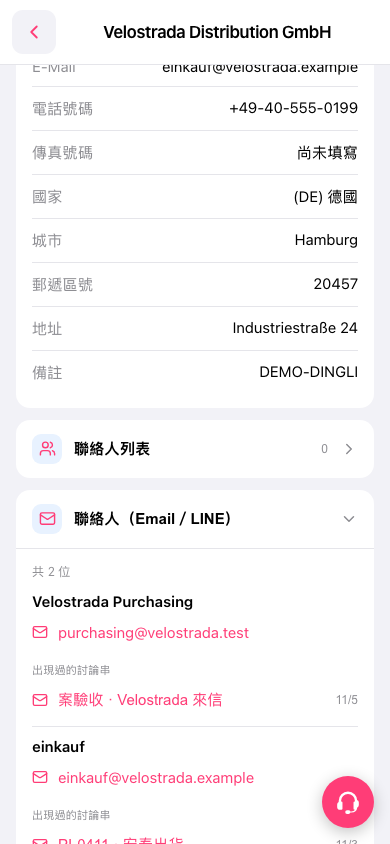
1. On the company details page, scroll down to the "Contacts (Email / LINE)" section. If it is collapsed, tap the arrow on the right side of the heading to expand it. 2. Find the contact you want to check, then look at "Threads Appeared In" below their details. 3. Tap a thread title, such as "Project Acceptance · Email from Velostrada", to open and view the correspondence.
 手機版|Velostrada Distribution GmbH