
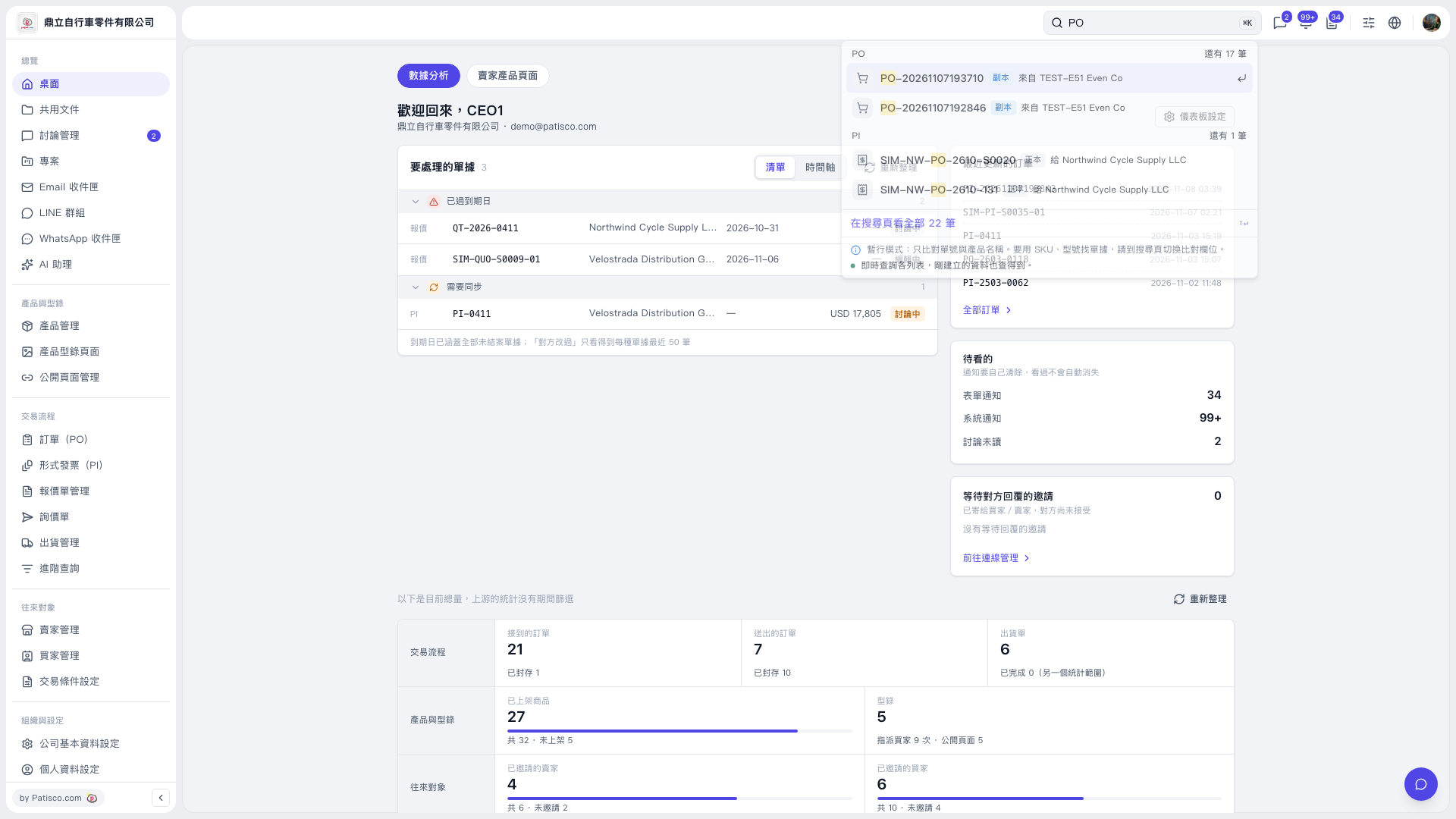
1. Enter a document keyword, such as “PO”, in the search box at the top right of the dashboard. 2. In the dropdown search results, find the document using its PO or PI category, document number, and trading partner. 3. Click the document number to open its details. 4. If you cannot find the document in the dropdown results, click “View all 22 results on the search page” at the bottom of the panel to view the full search results.
 V5 新桌面版|桌面