
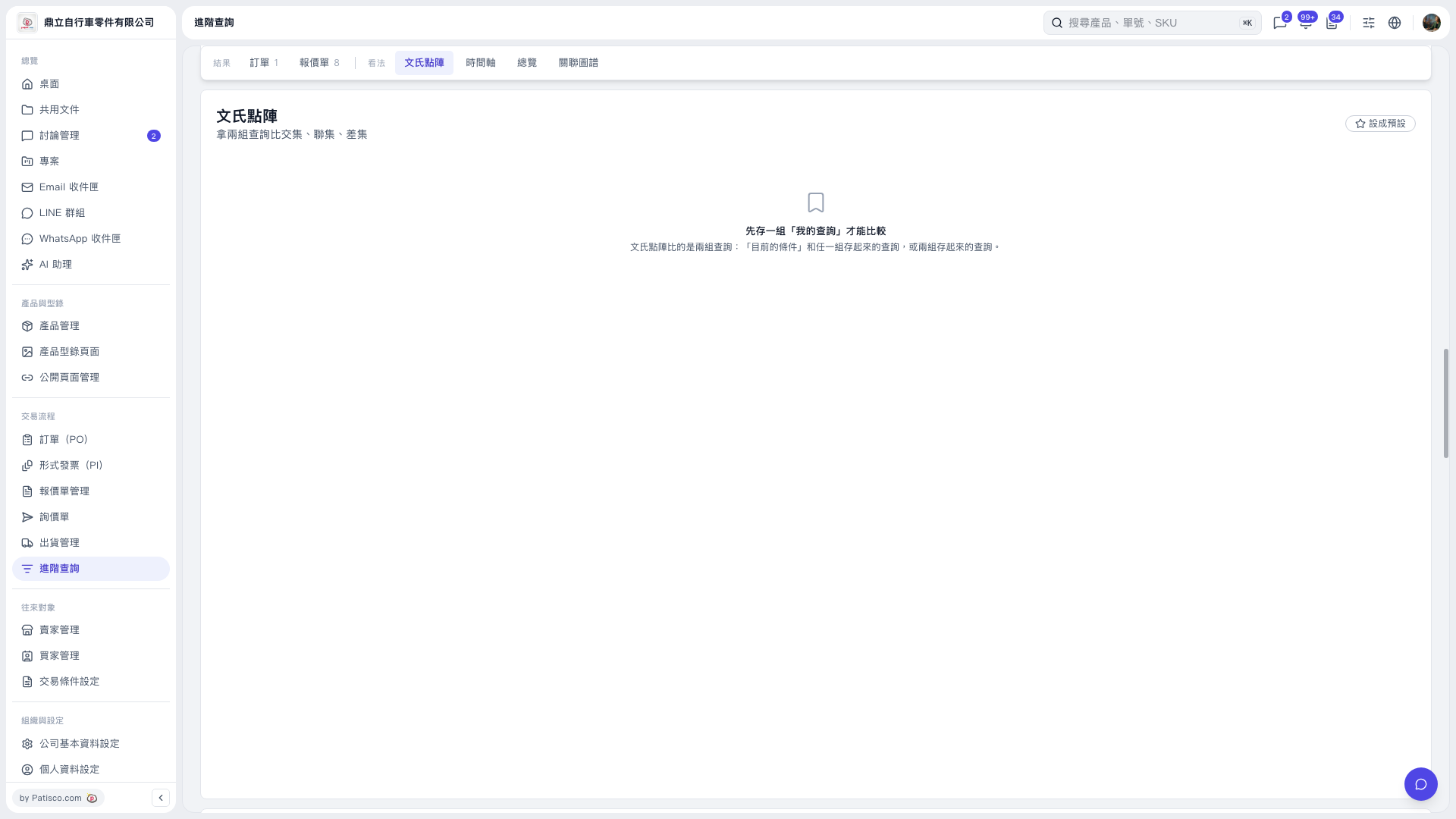
1. Prepare at least one saved search in "My Searches" first. The current screen does not show an option for saving searches. 2. Open the "Venn Matrix" view in "Advanced Search". 3. According to the on-screen instructions, you can compare "Current Conditions" with one saved search, or compare two saved searches, to view their intersection, union, and difference. The selection controls are not currently displayed, so you cannot finish setting up the comparison on this screen.
 V5 新桌面版|文氏點陣