
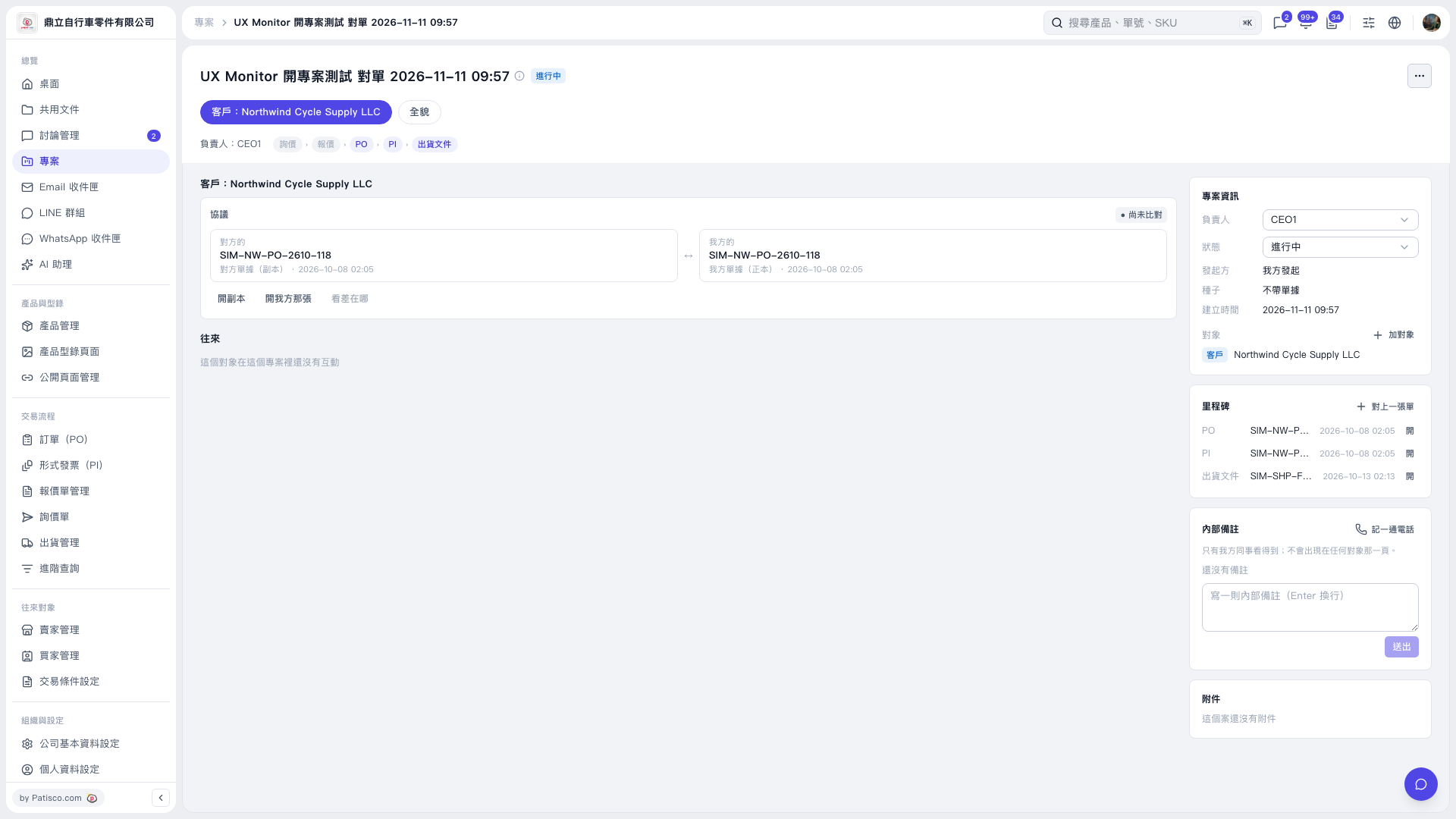
1. In the “Milestones” section on the right side of the project page, click “+ Link a Document”. 2. Select the document to link on the following screens and complete the operation. 3. Return to the project page and confirm that the document appears in the “Milestones” list. 4. Click “Open” at the far right of that document’s row to view its contents.
 V5 新桌面版|UX Monitor 開專案測試 對單 2026–11–11 09:57