
1. On the shipping document project page, first confirm that the project title and customer are correct. 2. Click “Link a Document” on the right side of the central document prompt area or in the “Milestones” section on the right. 3. Select the document to link on the following screens.
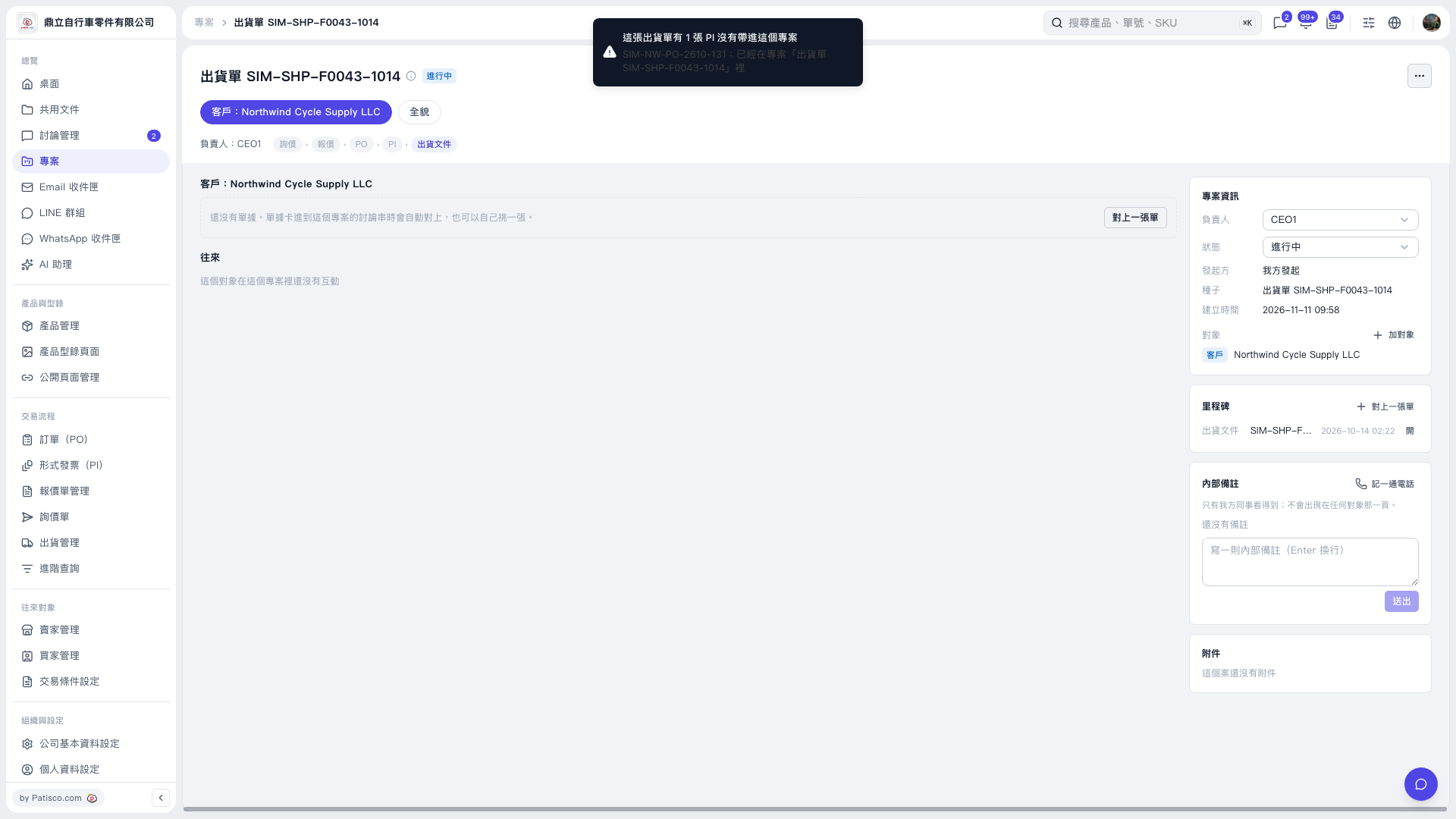 V5 新桌面版|出貨單 SIM–SHP–F0043–1014