
1. Open the project and confirm that the project title and “Contact” are correct. 2. In the “Correspondence” section, view the emails linked to the project. Click an attachment name, such as “uxm-spec-sheet.txt” or “uxm-drawing.pdf”, to view its contents. 3. To view the full discussion, click “Go to Original Thread” at the bottom left of the email card.
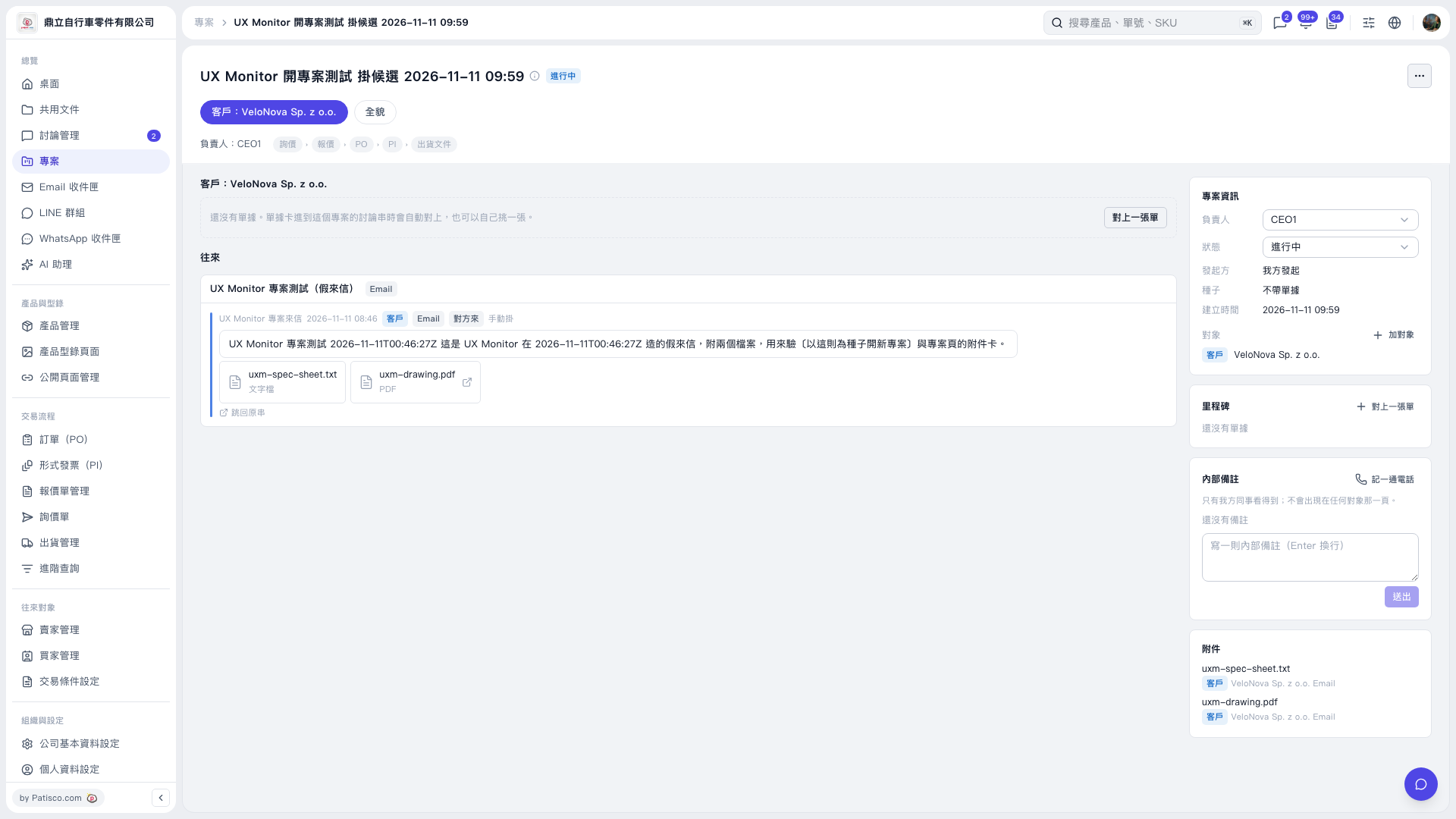 V5 新桌面版|UX Monitor 開專案測試 掛候選 2026–11–11 09:59