
1. Open the project you want to link the document to, and confirm the project title and “Contact”. 2. Click “Link a Document” on the right side of the central document prompt area or in the “Milestones” section on the right. 3. Select the existing document to link on the following screens.
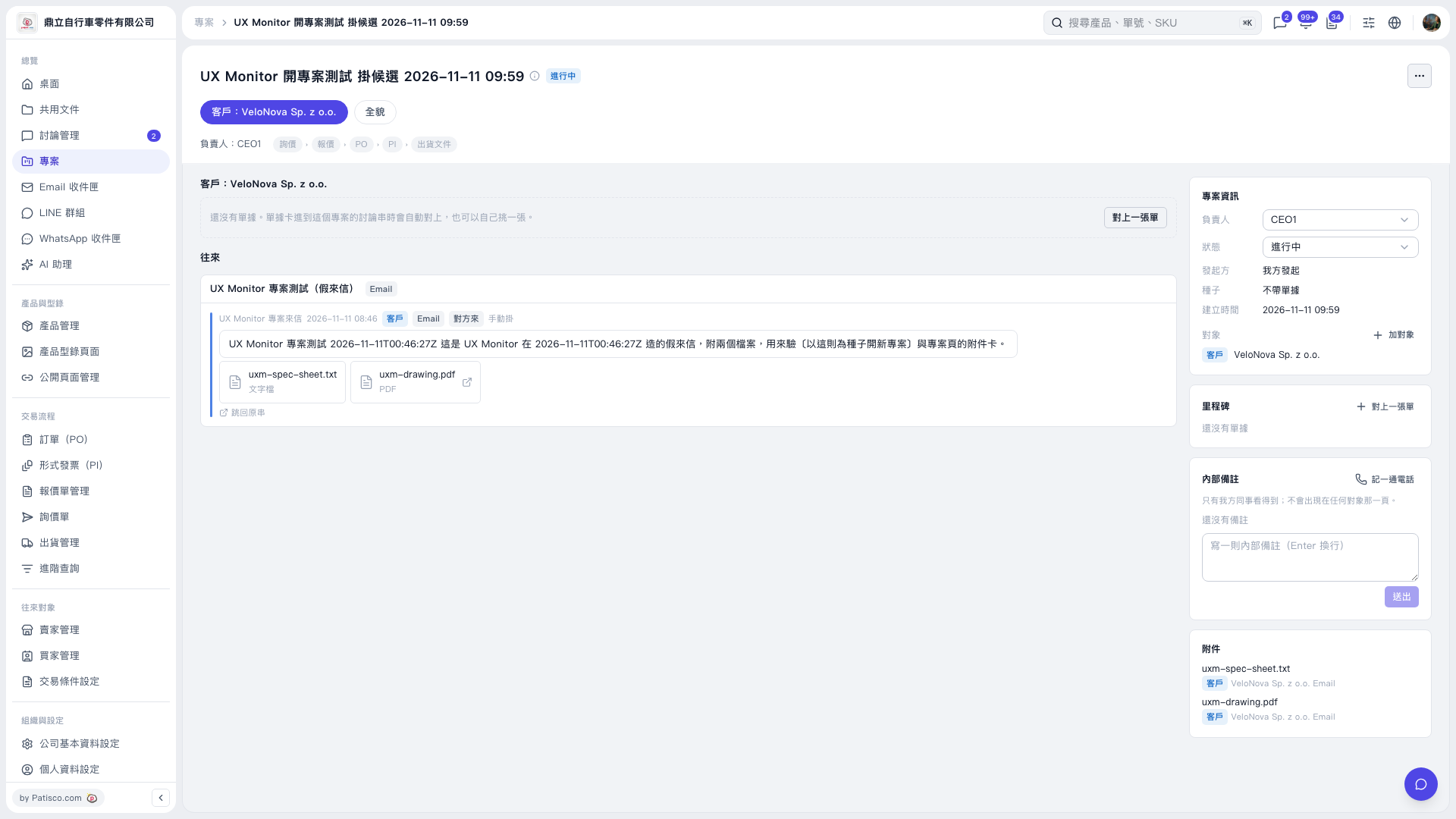 V5 新桌面版|UX Monitor 開專案測試 掛候選 2026–11–11 09:59