
1. Select "Sent Doc." or "Received Doc." to switch to the PO list you want to search. 2. Tap the search icon at the top right to search for a PO, or tap the filter icon next to it to set filter criteria. 3. Once you find the PO, tap its row to view the contents.
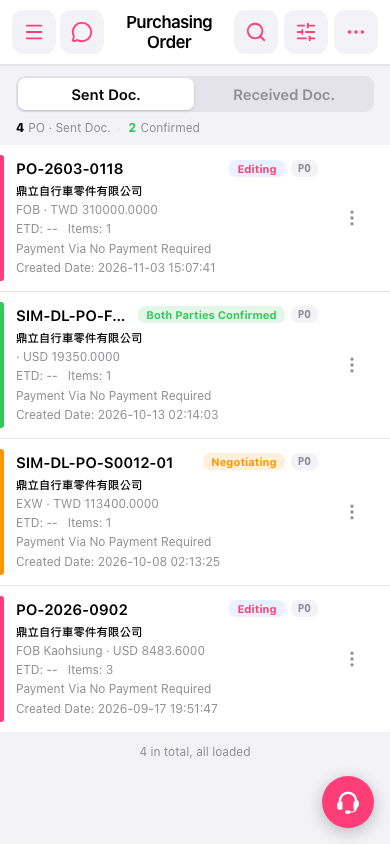 手機版|採購單(Purchasing Order)