
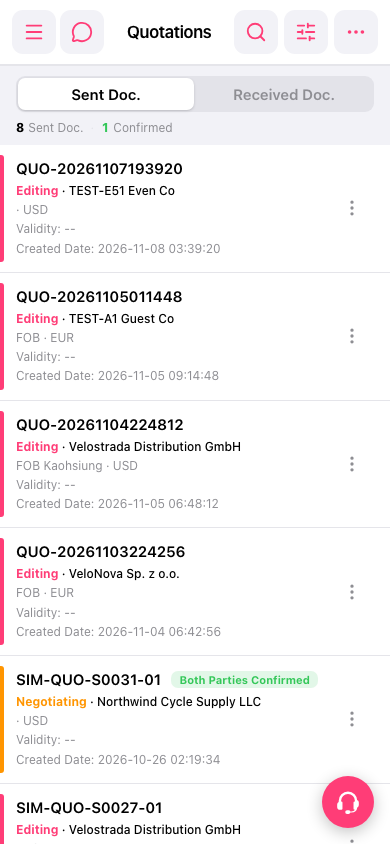
1. Select "Sent Doc." or "Received Doc." to switch to the quotation list you want to search. 2. Tap Search (the magnifying glass icon) at the top right to search for a quotation, or tap Filter (the adjustment sliders icon) to open the filter options and narrow down the results. 3. Once you find the quotation in the list, tap its card to view the details.
 手機版|報價單(Quotations)