
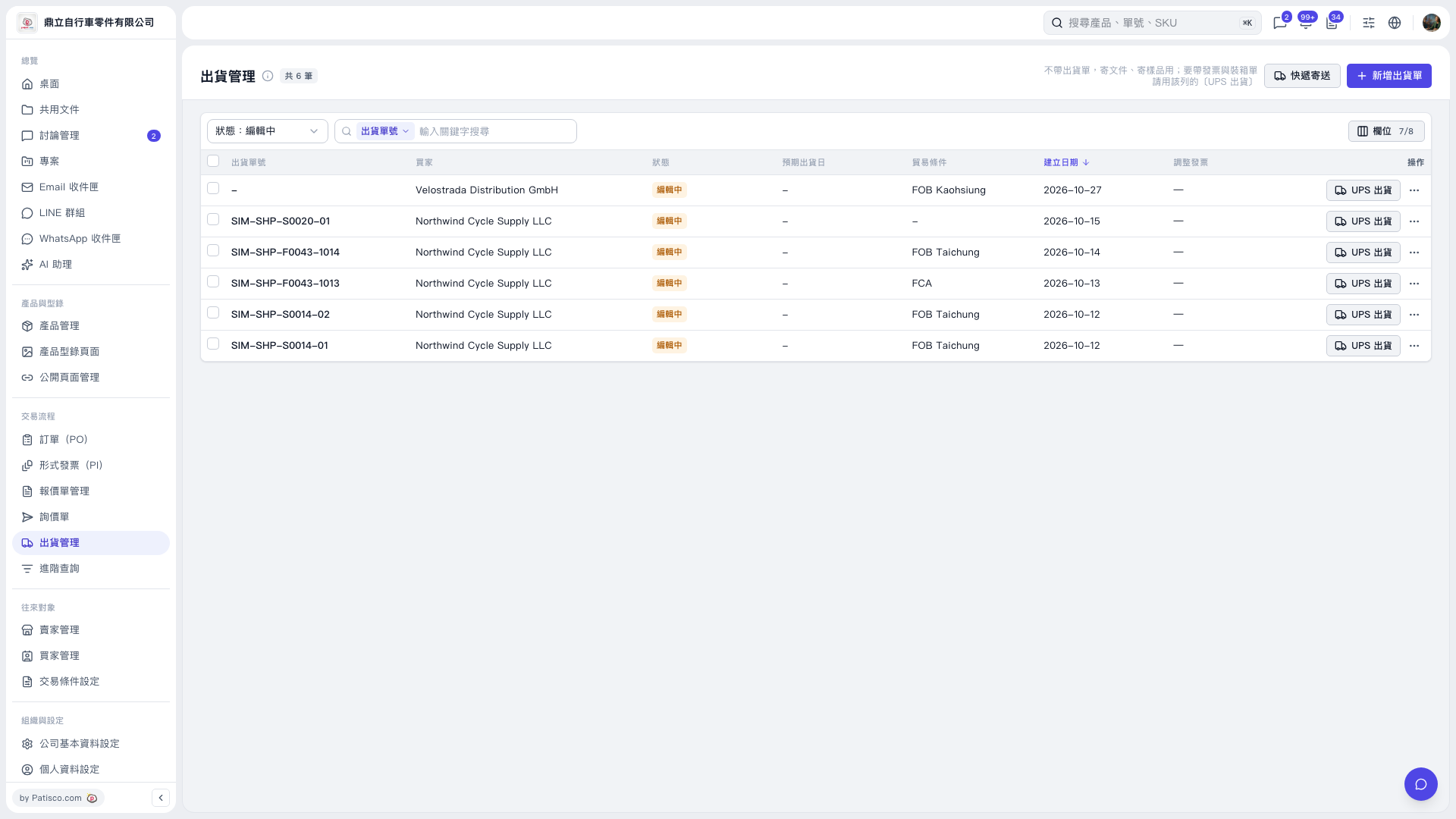
1. On the Shipping Management page, use the “Status: Editing” filter, or select “Shipment No.” in the search bar and enter keywords to find the corresponding shipment. 2. Click “UPS Shipping” on the right side of that row to start the shipping process. 3. If you do not have a shipment record yet, click “Add Shipment” in the upper-right corner to create one first.
 V5 新桌面版|出貨管理