
1. Enter your question in the message input box at the bottom of the AI assistant page. 2. To provide a file, click the paperclip icon on the right side of the input box to attach it. 3. Press Enter or click the paper airplane icon to send the message. To insert a line break, press Shift + Enter. 4. To ask about a specific document, go to that document's page and click “Ask AI.”
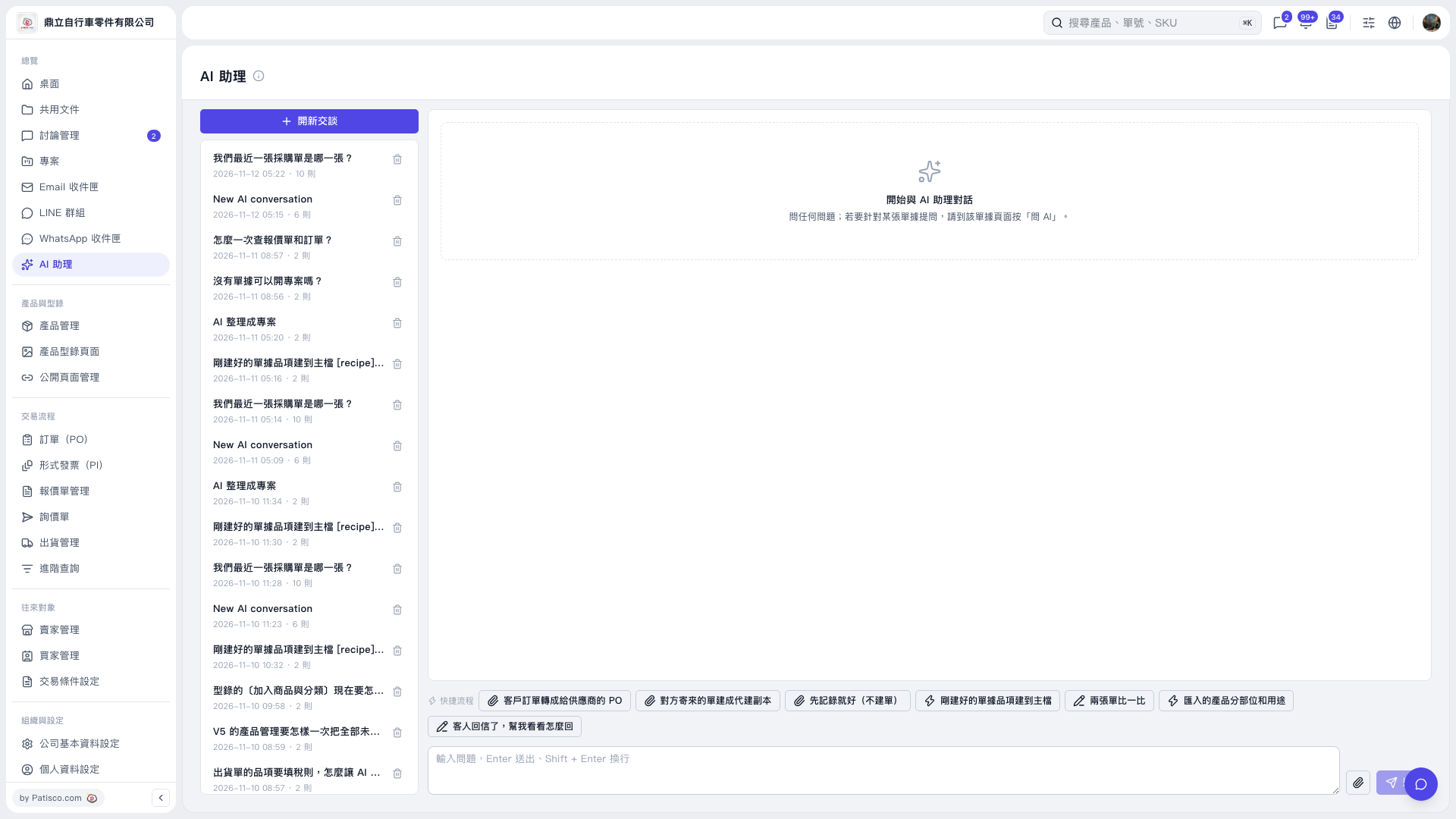 V5 新桌面版|AI 助理