
1. Click “Banner” on the left side of the “Dingli Parts Catalog” to expand its settings. 2. Check the banner images, image rotation, and product information in the preview on the right. Click “Full screen” if you need a larger view. 3. To check what different users see, click “View as” above the preview area to switch identities and public-page views, and check how trading conditions and prices are displayed. 4. After making and confirming your changes, click “Upload changes” in the upper-right corner so buyers and visitors can see the updated content.
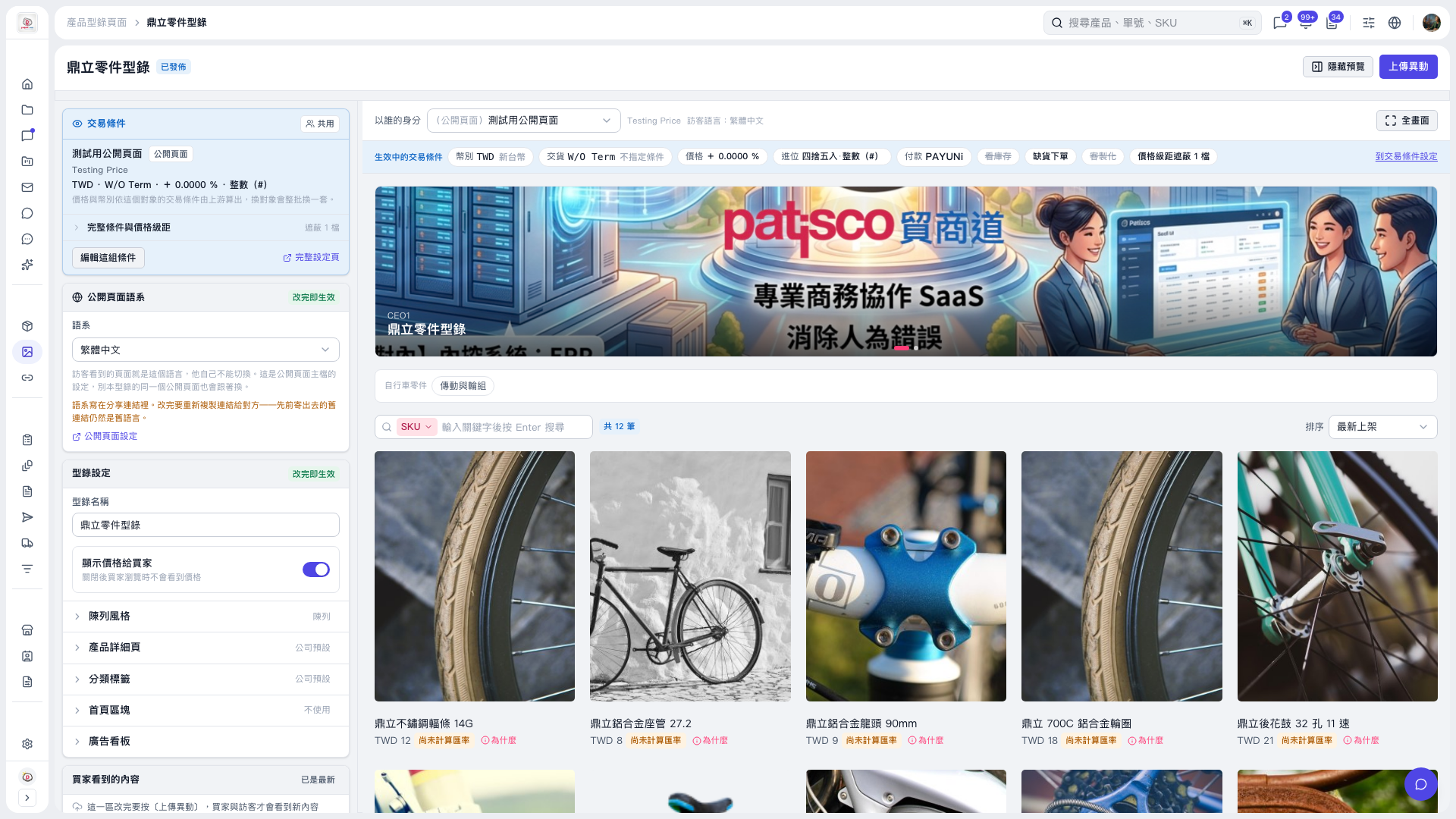 V5 新桌面版|鼎立零件型錄