
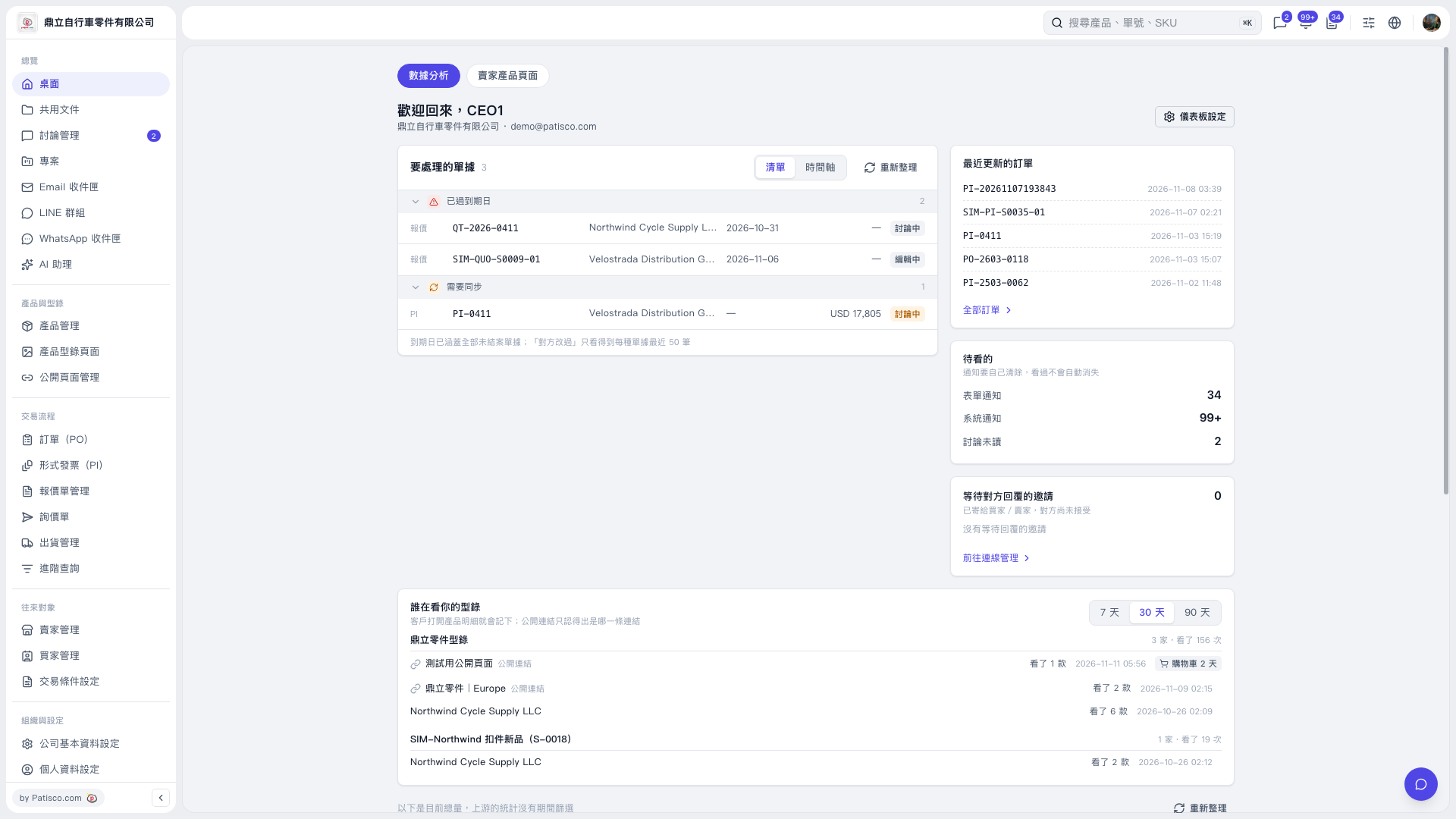
1. In the “Documents requiring attention” section on the “Desktop”, check the items under “Past due” and “Needs synchronization”. 2. Click the “Document number” of the document you want to handle to open its details. 3. After handling the document, return to the desktop and click “Refresh” to update the list. You can also switch the display using “List / Timeline”. 4. To find other POs, click “All POs”, or enter a document number in “Search products, document numbers, SKU” at the top.
 V5 新桌面版|桌面