
1. On the desktop’s “Data analysis” page, check “Documents requiring attention” to review due dates and document statuses. 2. Click a “Document number” to open the corresponding document and check its contents and processing progress. 3. Use “List / Timeline” to switch the display, or click “Refresh” to update the data. 4. Under “Recently updated POs”, click a document number to view the PO. To view the complete PO list, click “All POs”.
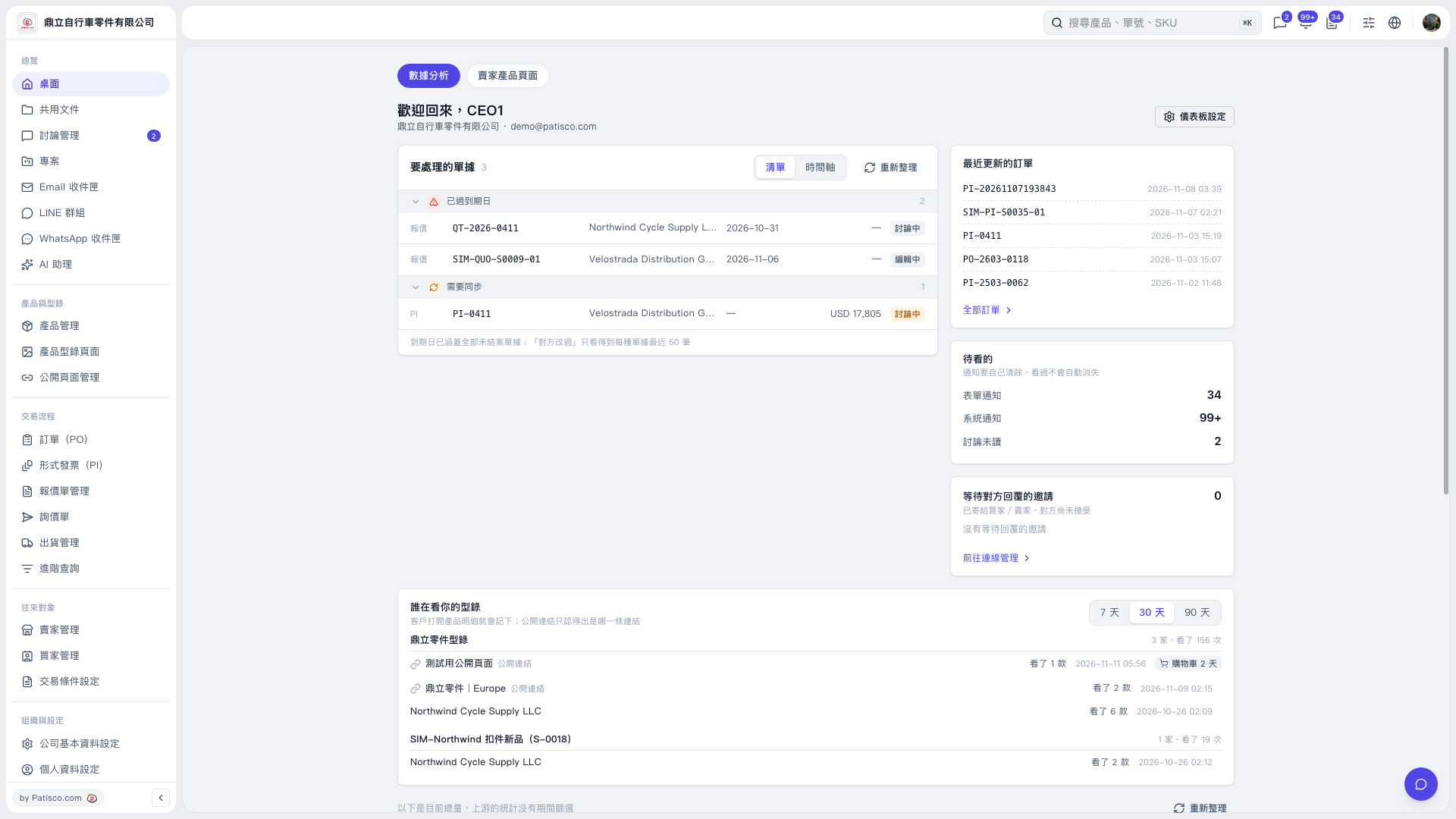 V5 新桌面版|桌面-數據分析