
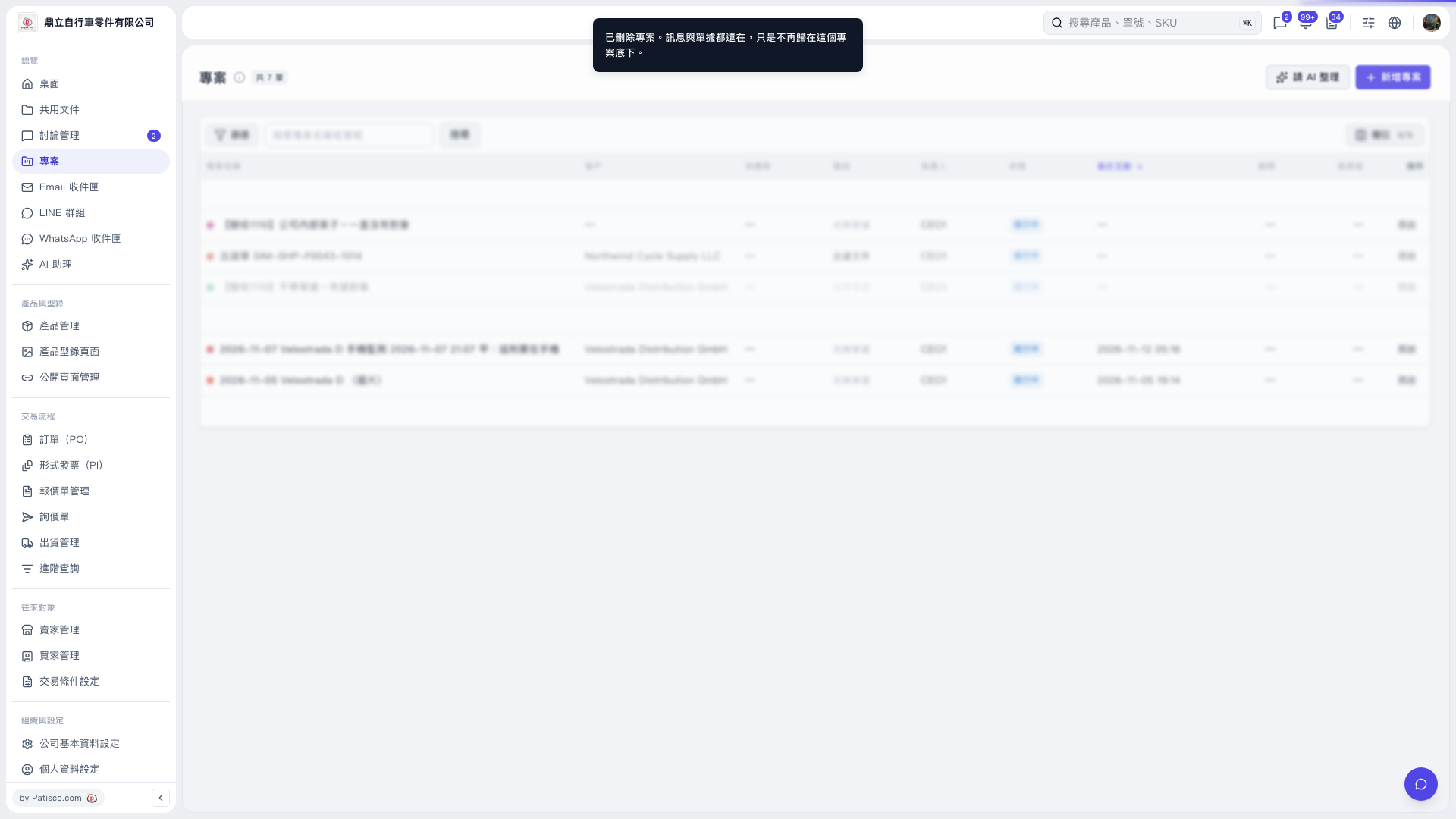
1. Click “Projects” in the “Overview” section on the left. 2. Click “Add Project” in the upper-right corner, then fill in the details on the following screens to create the project. In this test, a project was successfully created without including a document or selecting a contact.
 V5 新桌面版|專案