
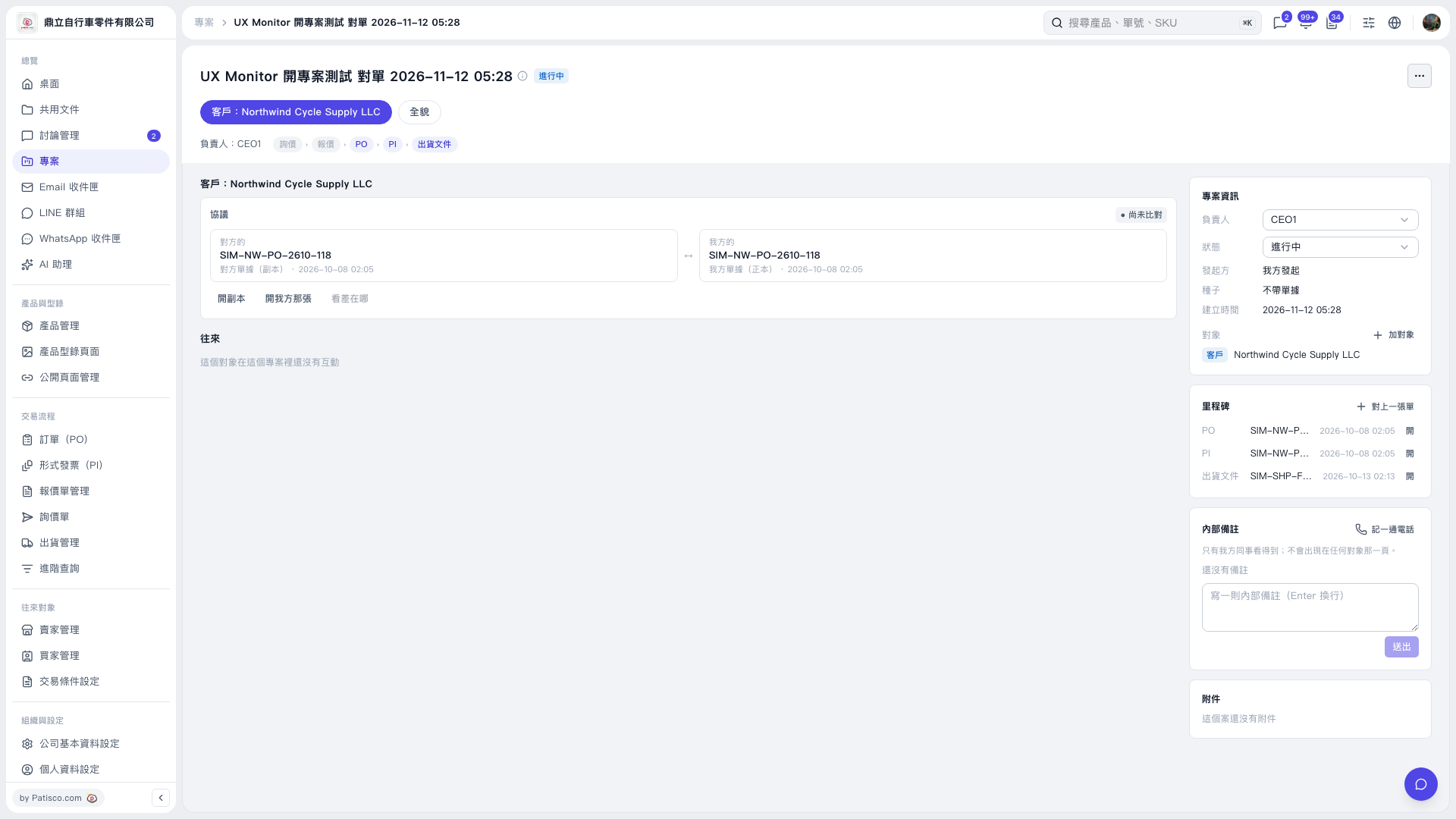
1. Open the project page. In the “Milestones” section on the right, click “+ Link a Document” in the upper-right corner. 2. Follow the prompts on the screen that opens, select the document to link, and complete the process. 3. When you see the “Linked:” message, return to “Milestones” and confirm that the linked document appears. 4. Click “Open” at the far right of that document’s row to view its contents.
 V5 新桌面版|UX Monitor 開專案測試 對單 2026-11-12 05:28