
1. View the incoming email in the central "Correspondence" section. 2. Click an email attachment, such as "uxm-spec-sheet.txt" or "uxm-drawing.pdf", to review the requirements. 3. To view the full discussion context, click "Back to original thread" at the bottom left of the message card.
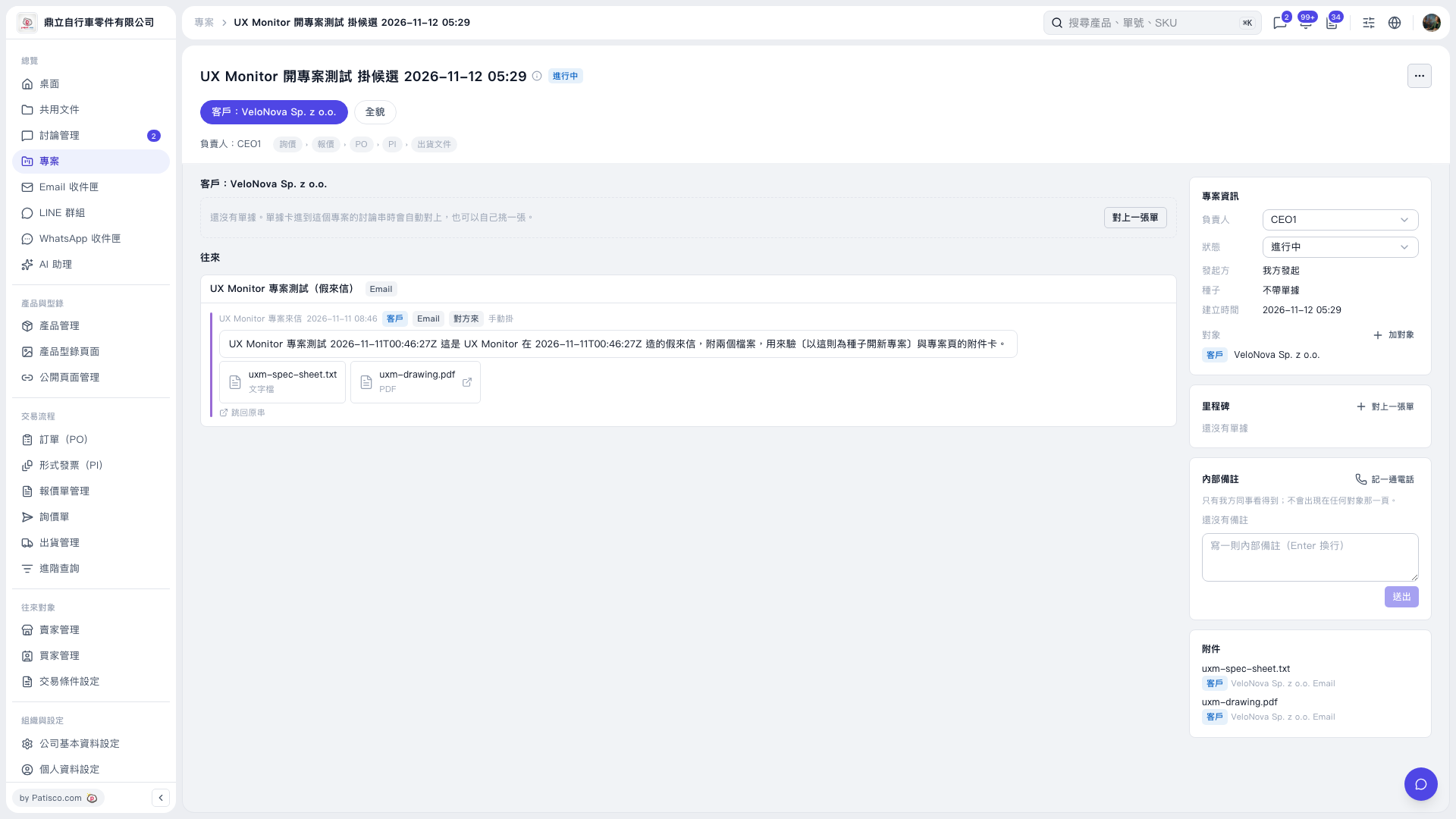 V5 新桌面版|UX Monitor 開專案測試 掛候選 2026–11–12 05:29