
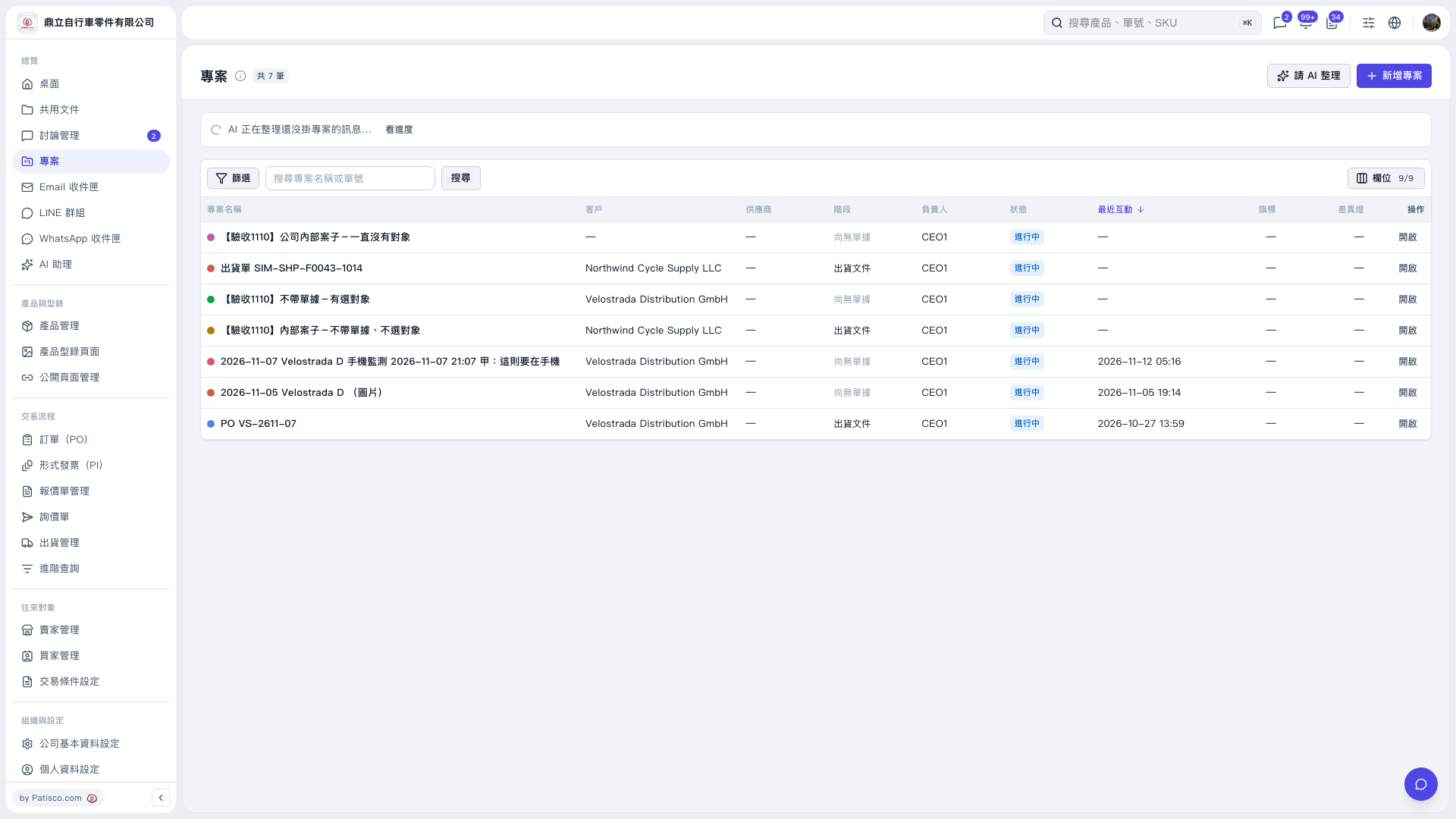
1. On the "Projects" page, click "Ask AI to organize" in the upper right to have AI organize project information. 2. When the top of the page shows that organizing is in progress, click "View progress" in the status bar to check the processing progress. 3. Once organizing is complete, review the AI summary and proposals. This result contains 5 proposals: create 3 new projects and link 4 messages to 2 existing projects. 4. You can ask: "Please organize messages from the last 7 days that have not been linked to a project." An example AI response is: "I suggest creating 3 new projects and linking 4 messages to 2 existing projects. For 54 messages, I could not determine which business transaction they belong to, so they will remain as they are."
 V5 新桌面版|專案