
1. Use "Search subject name" on the left to find and select the discussion thread you want to handle. 2. Read the email in the center. If needed, click "View original email" or an attachment name to view the details. 3. Click the dropdown arrow next to "This is a new document" below the email to view the available creation options. The menu contents were not shown on this screen, so continue according to the options actually displayed.
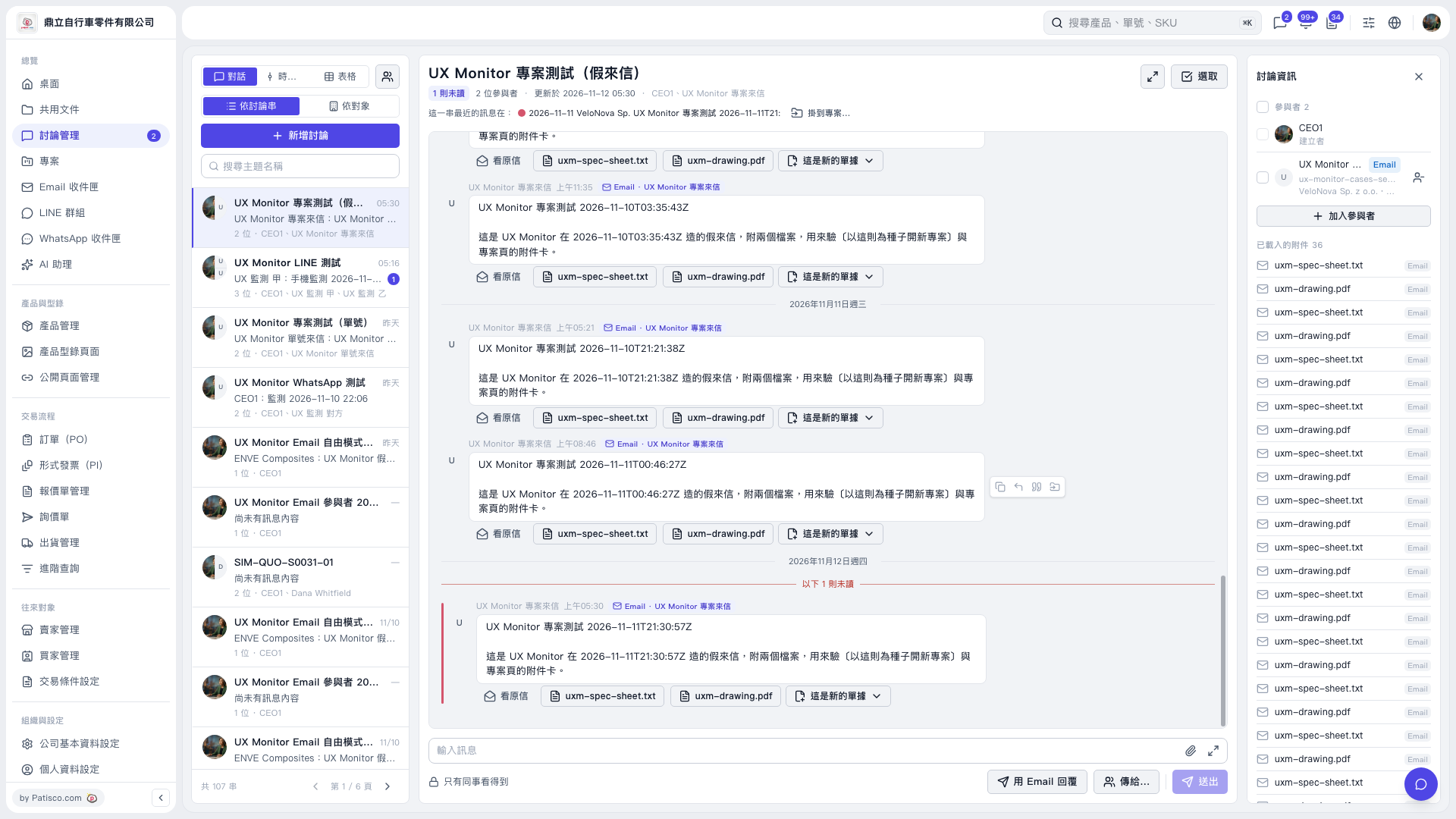 V5 新桌面版|UX Monitor 專案測試(假來信)