
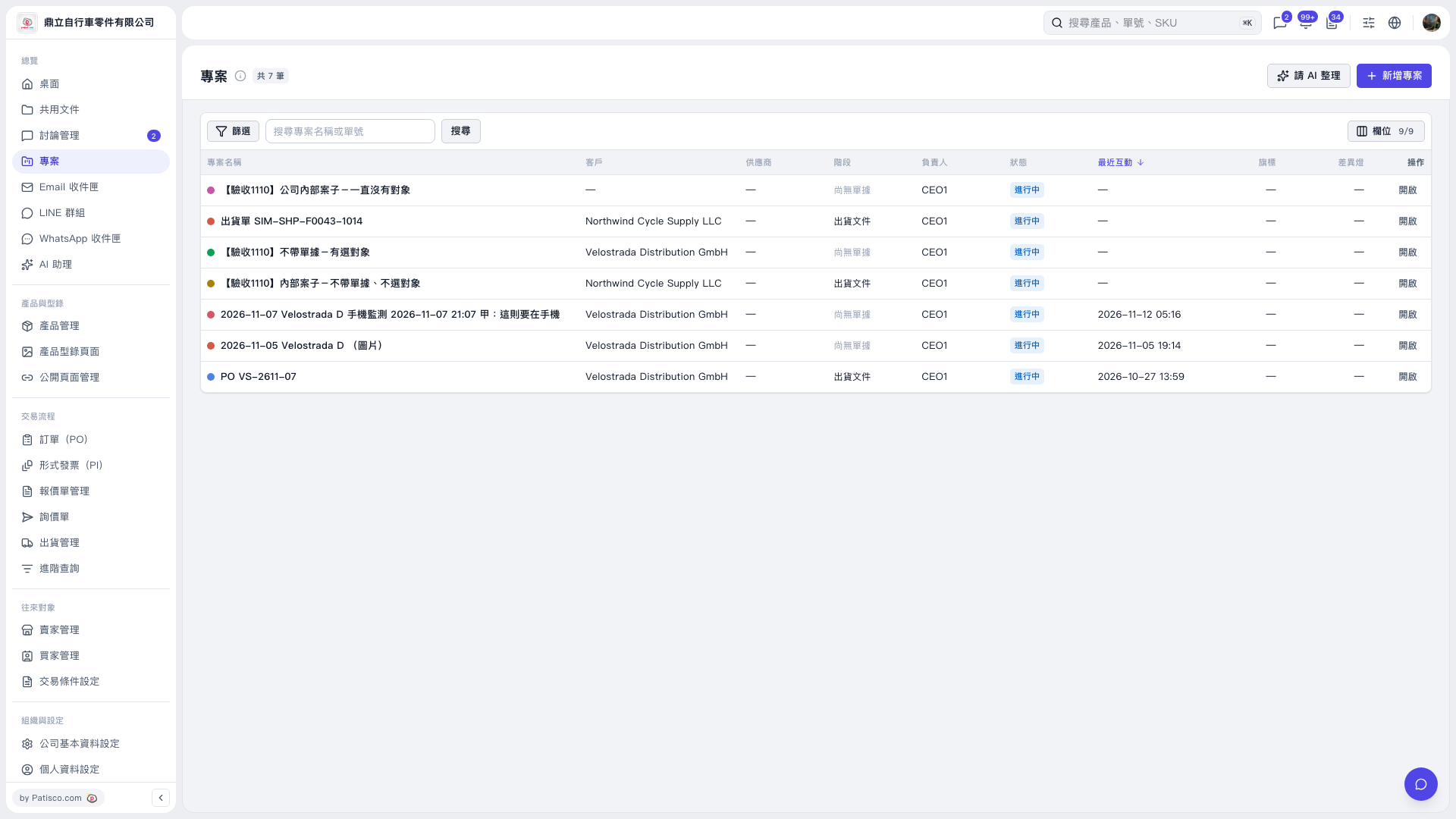
1. In the "Projects" list, enter the relevant information in the "Search project name or document number" field and click "Search" to find the project you want to delete. 2. Click "Open" on the right side of the row to enter the project details page. 3. Click "⋯" (More actions) in the upper right of the project page and select "Delete project". 4. Once you have confirmed that you want to delete it, click "Delete project" in the confirmation dialog. 5. You can ask: "Where do I go to delete a project?" An example AI response is: "On the project page, click '⋯' in the upper right → 'Delete project'. Each row in the project list only has 'Open'; there is no delete button."
 V5 新桌面版|專案