
1. In the project information section on the right, click the "Person in charge" dropdown to change the person in charge. 2. Click the "Status" dropdown to change the project status. It currently shows "In progress". 3. Enter a record of your work in "Internal notes", then click "Submit". These notes are only visible to colleagues on your side.
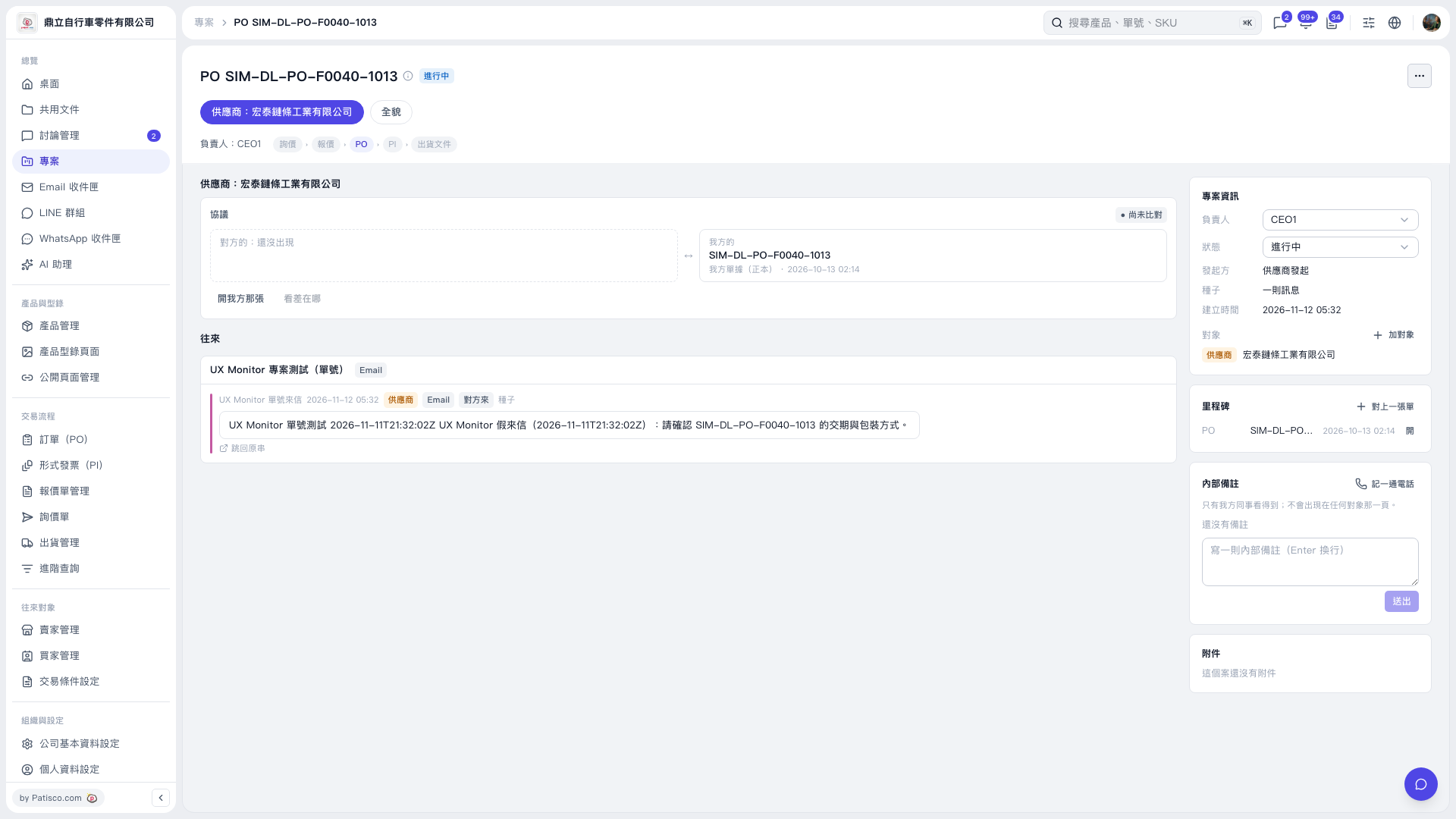 V5 新桌面版|PO SIM–DL–PO–F0040–1013