
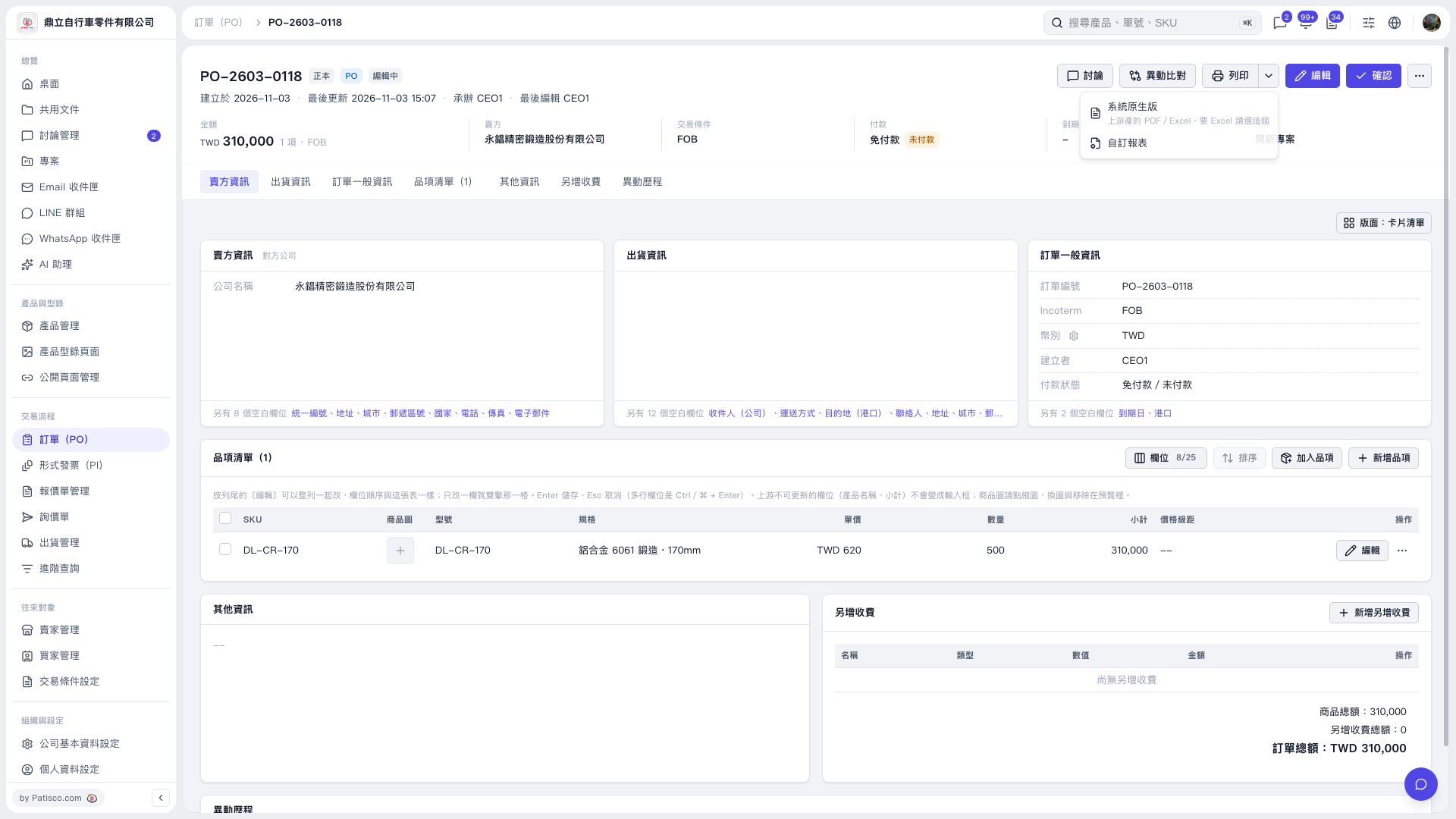
1. Open the PO you want to export and first check the PO number, seller, line items, and PO total. 2. Click the drop-down arrow next to "Print" in the upper-right corner to open the menu. 3. For the system's PDF or Excel reports, select "System Default". For a custom format, select "Custom Report". 4. Follow the prompts on the subsequent screens to export or print the report.
 V5 新桌面版|訂單 PO-2603-0118