
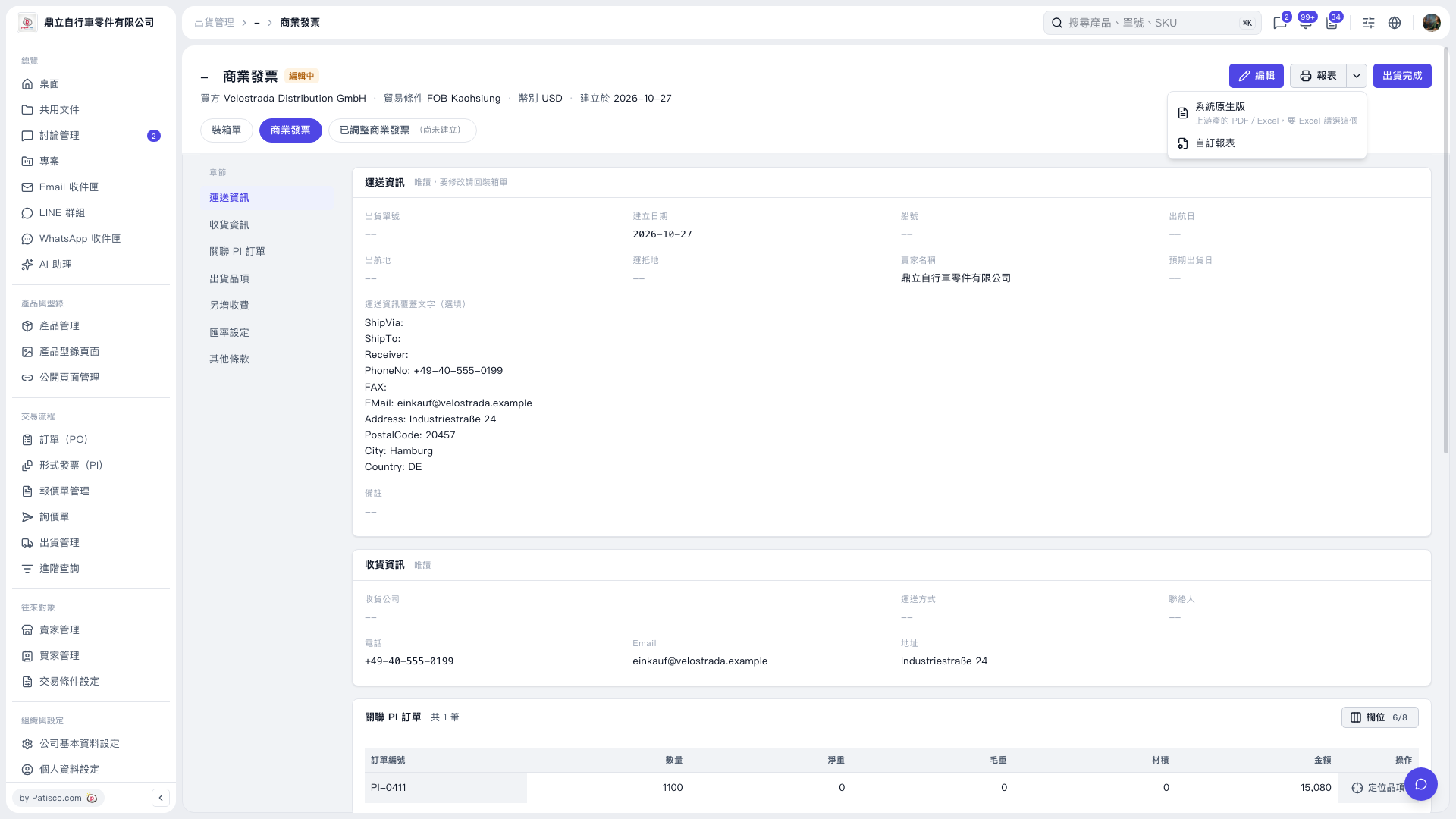
1. On the "Commercial Invoice" tab, first check the buyer, trade terms, currency, and linked PI orders, then check the shipping and receiving information. 2. Click "Reports" in the upper-right corner to open the report menu. 3. Select "System Default" to use the system's PDF or Excel reports. Choose this option if you need Excel. To use a custom format, select "Custom Report". 4. Complete printing or exporting using the options on the report screen that appears next.
 V5 新桌面版|商業發票