
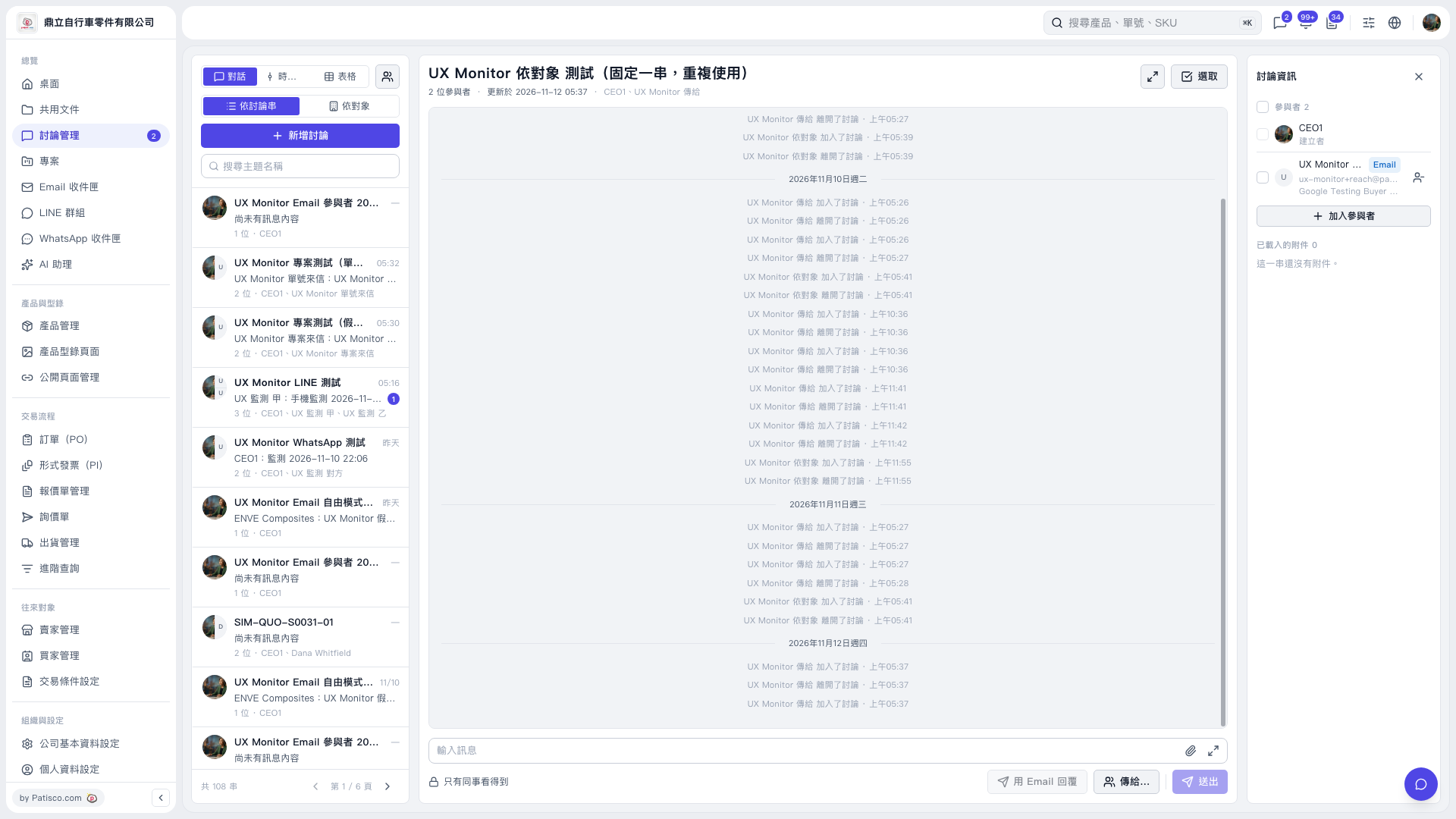
1. Find and open the thread you want to reply to using “Search topic name” on the left. 2. Write your message in “Enter message” at the bottom. When “Reply by email” is available, click it. The button is currently grayed out on the screen. 3. Check the recipient field and the “This email will be sent to the other party” banner to confirm the email address shown. In this test, the recipient displayed is “UX Monitor To <ux-monitor+reach@patisco.test>”. To select recipients, click “To…”. 4. After confirming the content and recipients, click “Send”.
 V5 新桌面版|UX Monitor 依對象 測試(固定一串,重複使用)