
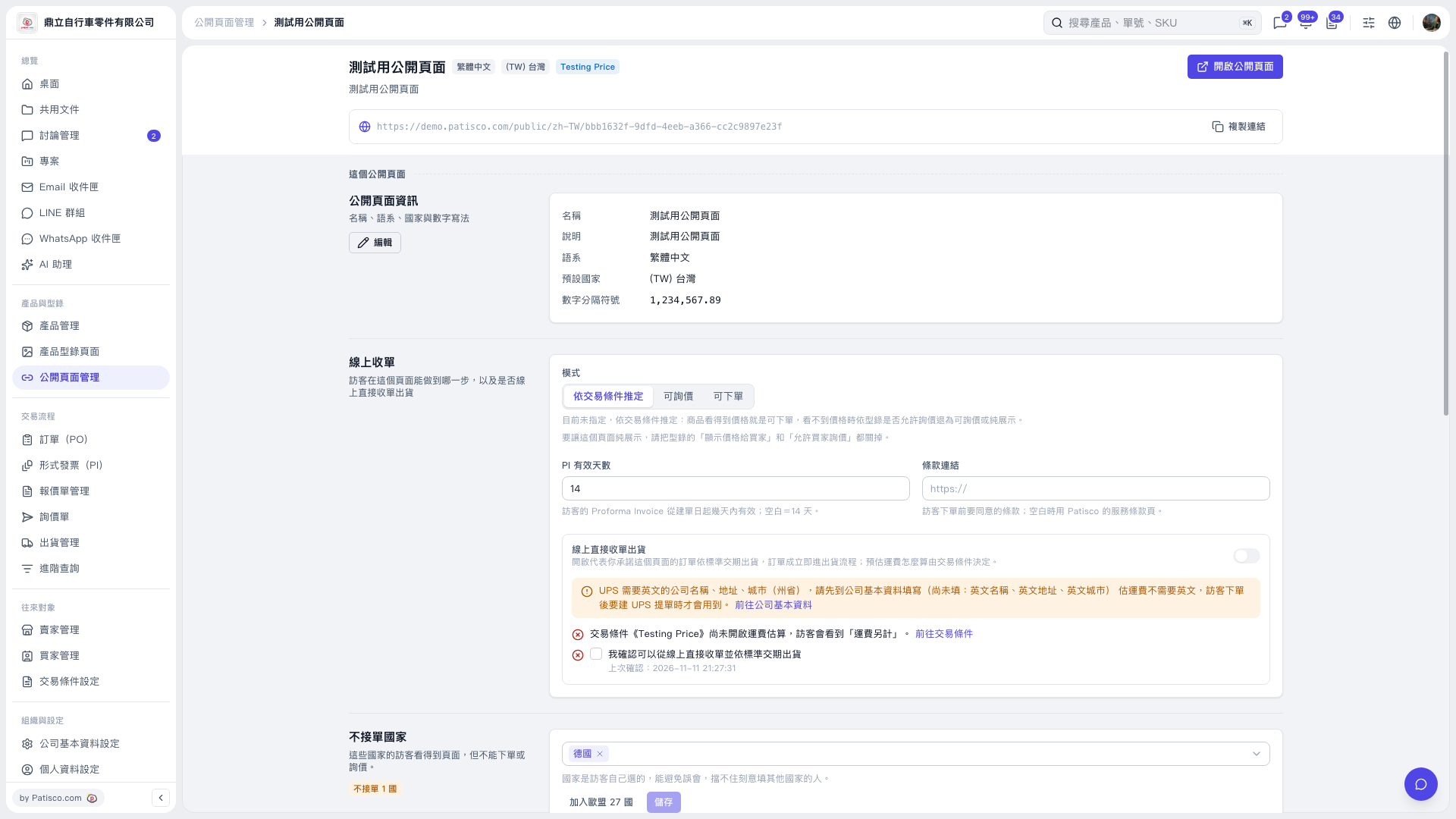
1. On the public page settings page, scroll to the “Countries not accepted for orders” section. 2. Click the country selection field and add the countries you want to restrict, such as “Germany”. To add all EU countries at once, click “Add all 27 EU countries”. 3. Click “Save” to apply the settings. 4. Visitors from the selected countries can still browse the public page, but cannot place orders or submit inquiries. Visitors select their own country, and the system cannot identify visitors who falsely select another country.
 V5 新桌面版|測試用公開頁面