
1. At the top of the “External Connections (MCP)” page, click the copy icon to the right of the endpoint URL to copy https://v5.patisco.com/api/mcp/catalog. 2. In the “Catalog Access” tab, find a catalog section displaying “Instructions for AI” and click it to view the connection instructions. 3. Switch to the “Usage Logs” tab to view usage by external services.
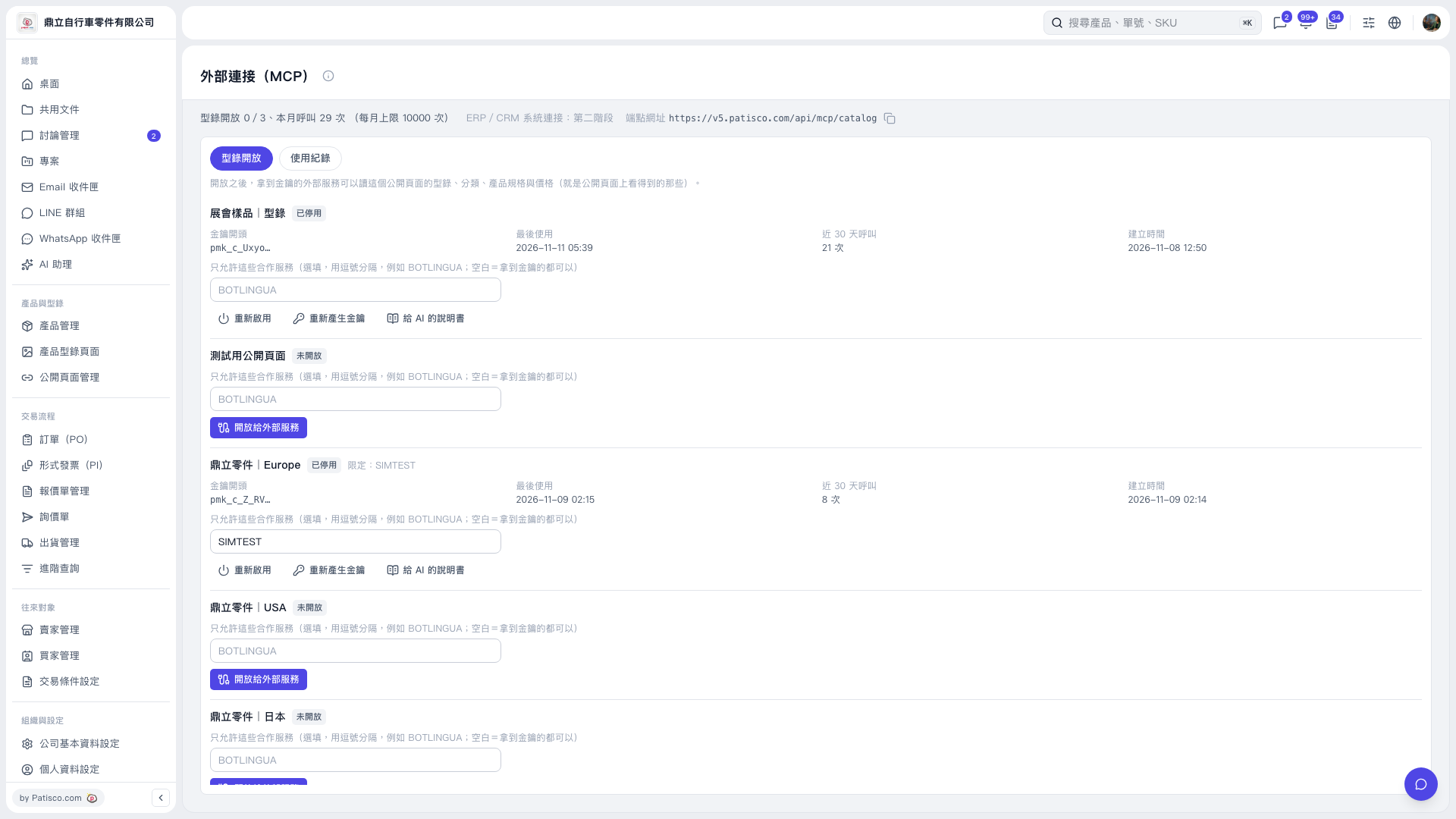 V5 新桌面版|外部連接(MCP)