
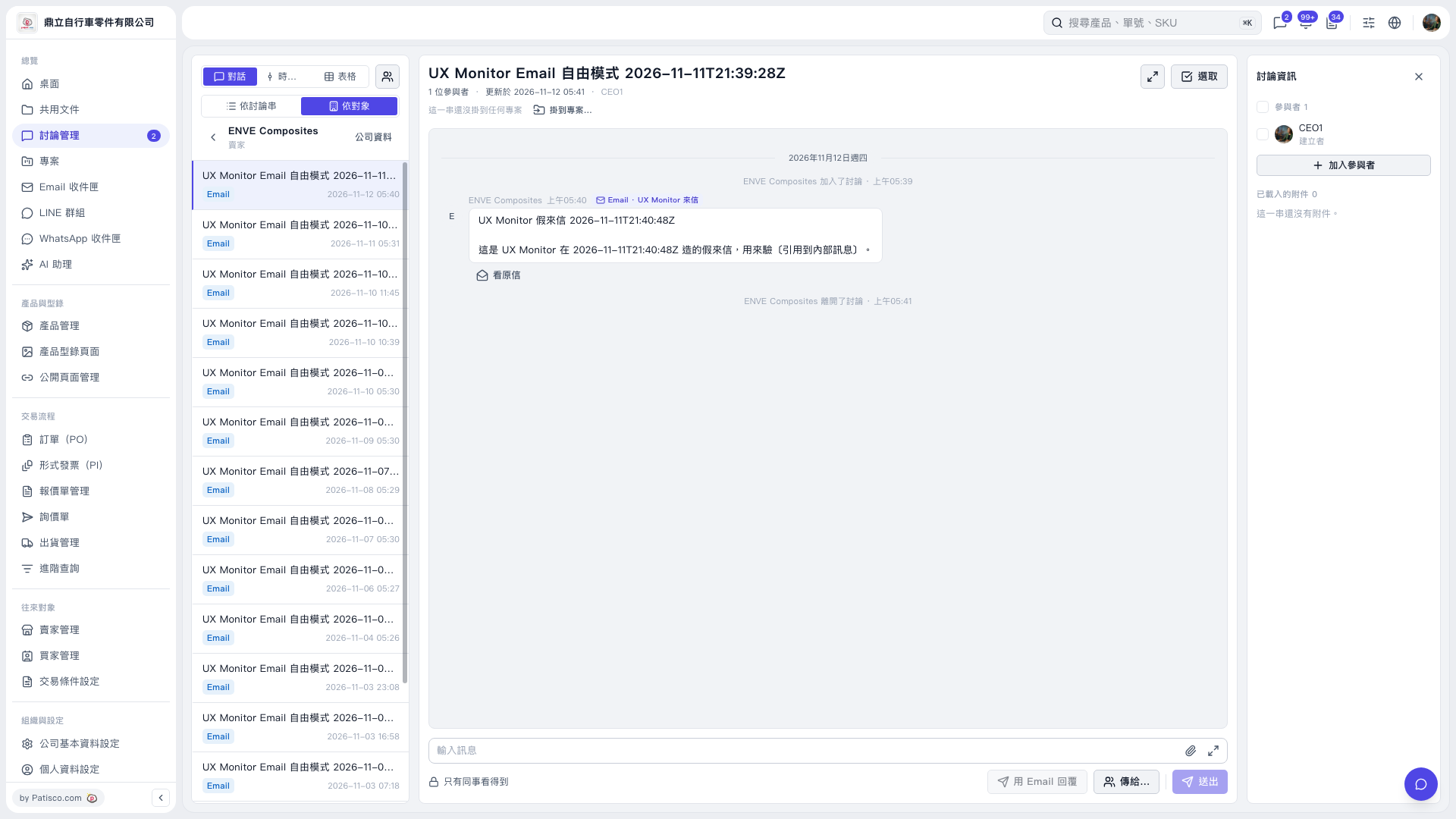
1. In “Discussion Management,” click “By Contact” above the discussion list on the left and confirm that the current contact is ENVE Composites. 2. Click the email discussion thread you want to view on the left. The message contents will appear in the center. 3. To view the full email, click “View Original Email” below that message. 4. To view the other company's information, click “Company Information” to the right of the contact name.
 V5 新桌面版|討論管理