
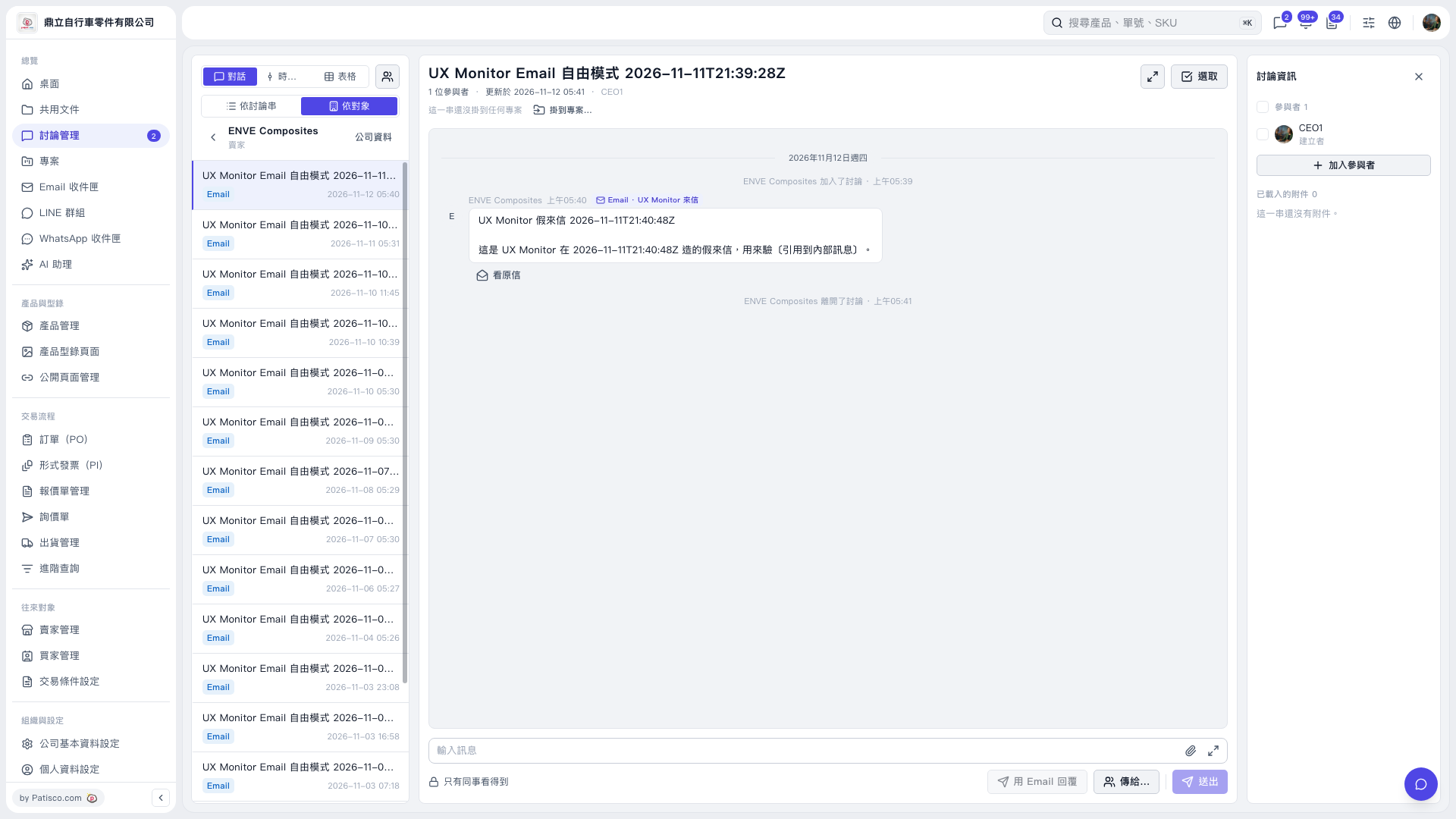
1. Open the email discussion thread where you want to leave a message. To add colleagues, click “Add Participants” on the right. 2. Enter your message in the “Enter Message” field at the bottom. Click the attachment icon if you need to attach a file. 3. Confirm that the visibility setting shows “Visible to Colleagues Only,” and click “Send to…” to set the recipients as needed. 4. Check the contents, then click “Send.”
 V5 新桌面版|討論管理