
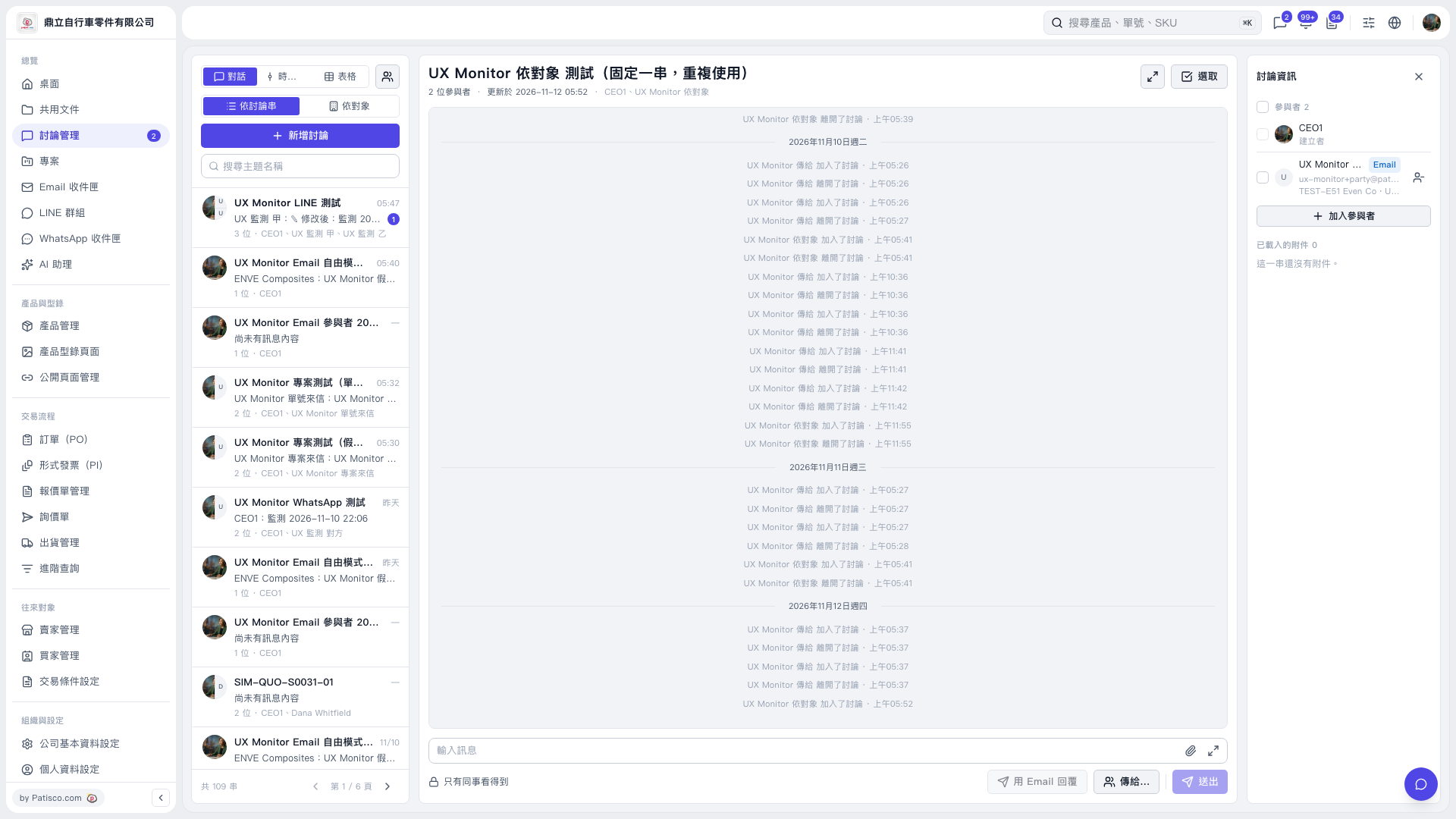
1. Enter a keyword in “Search Topic Name” on the left, then click the discussion thread you want to view. 2. In the “Discussion Information” panel on the right, view “Participants” and “Loaded Attachments.” 3. To add participants, click “Add Participants.”
 V5 新桌面版|UX Monitor 依對象 測試(固定一串,重複使用)