
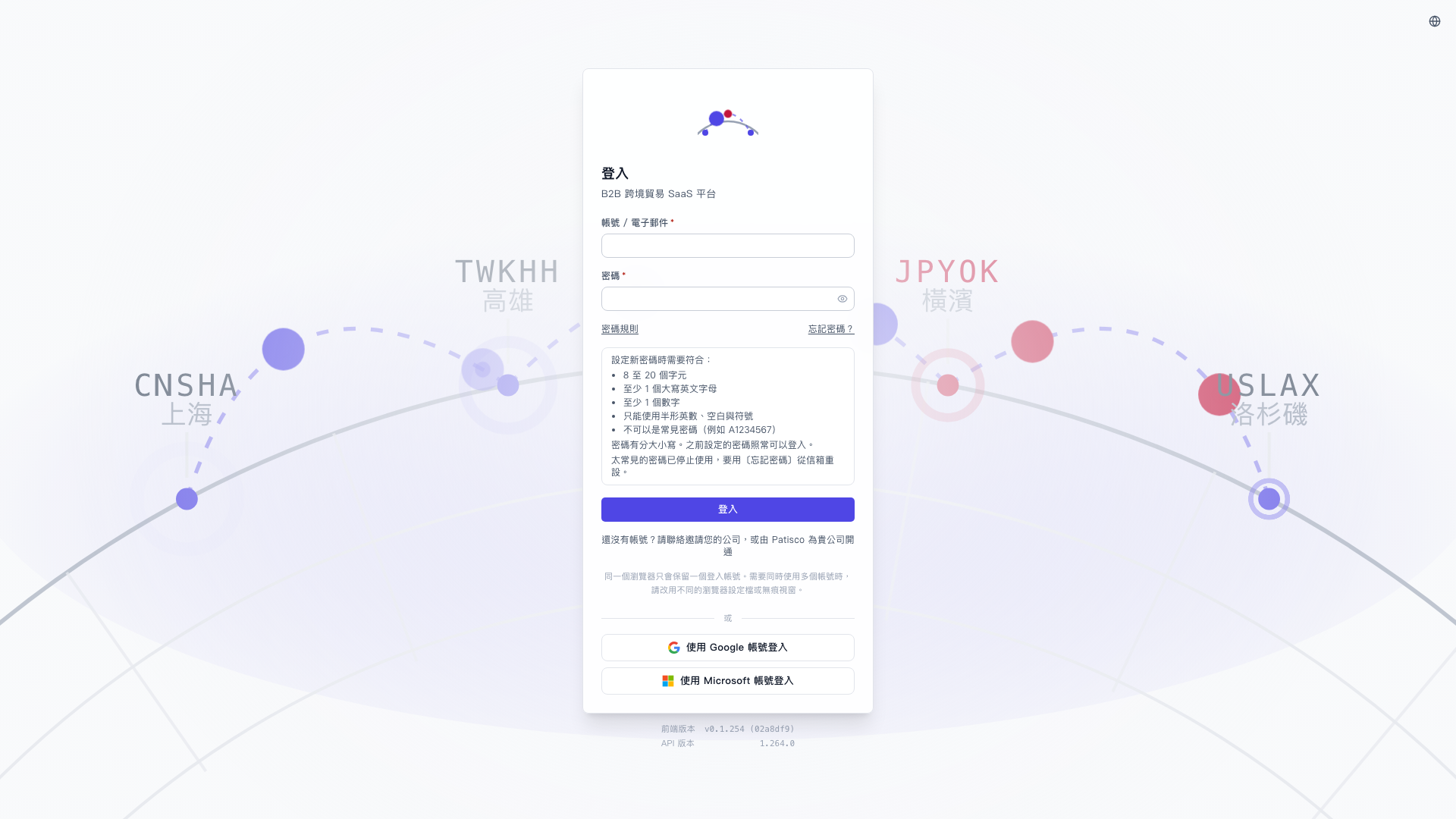
1. On the login page, click “Password Rules” below the “Password” field on the left. 2. A new password must meet five rules: it must be 8 to 20 characters long, contain at least 1 uppercase English letter and at least 1 number, use only half-width alphanumeric characters, spaces, and symbols, and not be a common password such as A1234567. 3. If you forget your password, or your current password cannot be used because it is too common, click “Forgot Password?” to reset your password through email. 4. You can ask: “What rules must a new password meet?” The AI will respond: “Your password must be 8 to 20 characters long, contain at least 1 uppercase English letter and at least 1 number, use only half-width alphanumeric characters, spaces, and symbols, and not be a common password.”
 V5 新桌面版|登入