
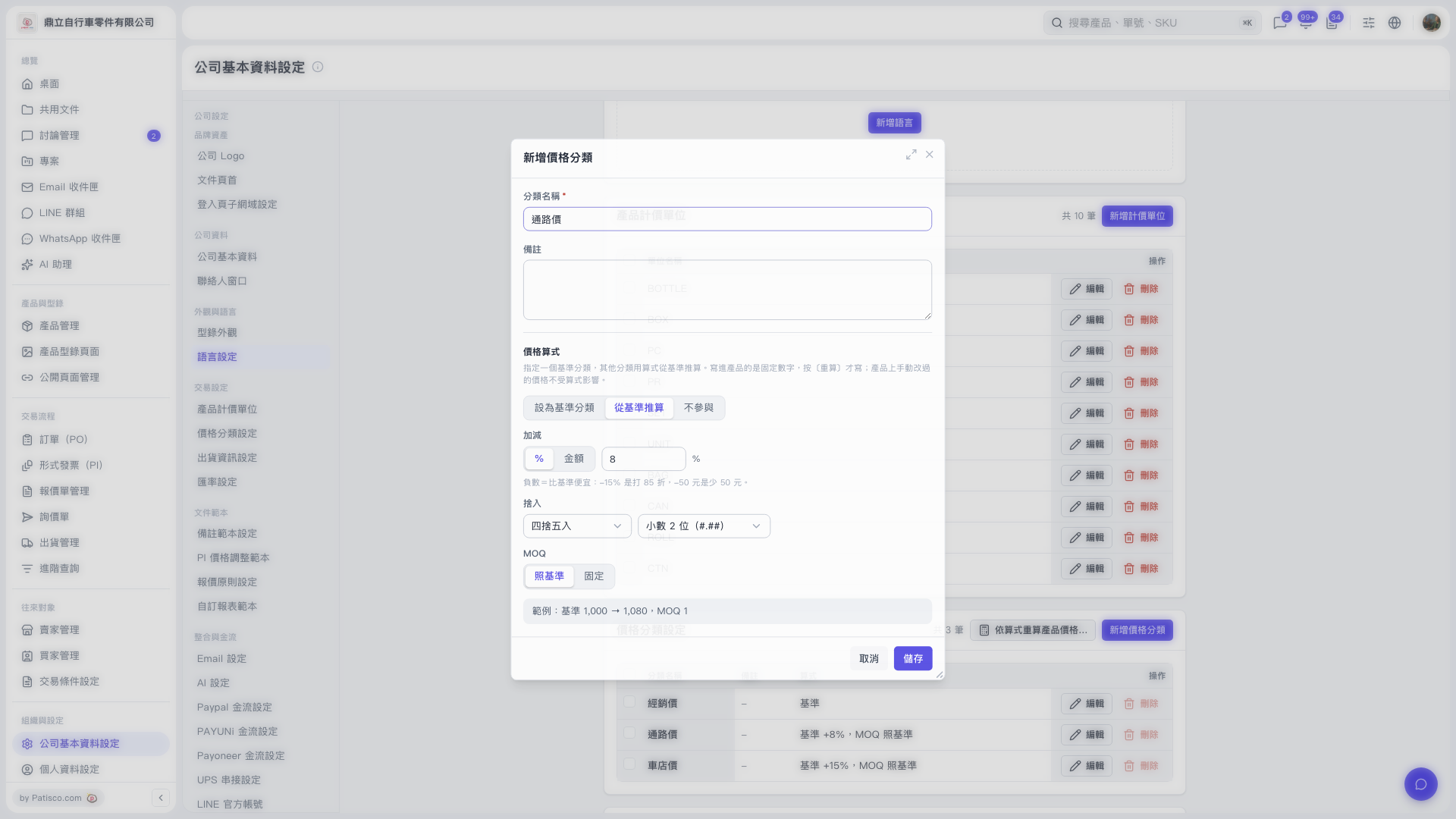
1. Go to the price category list in "Company Basic Information Settings" and check the "Formula" column to confirm the base and adjustment settings for each category. 2. Click "Edit" in the row of the category you want to change. Review the "Price Formula", "Adjustment", "Rounding", and "MOQ" settings, and check the "Formula Example". 3. Click "Save" when finished. To cancel these changes, click "Cancel". 4. You can ask: "What is the formula for Channel Price? What does it calculate when the base price is 1000?" The AI would reply: "In this demo, Channel Price is the base price plus 8%, rounded to 2 decimal places, with MOQ the same as the base. A base price of 1000 gives 1080."
 V5 新桌面版|公司基本資料設定