
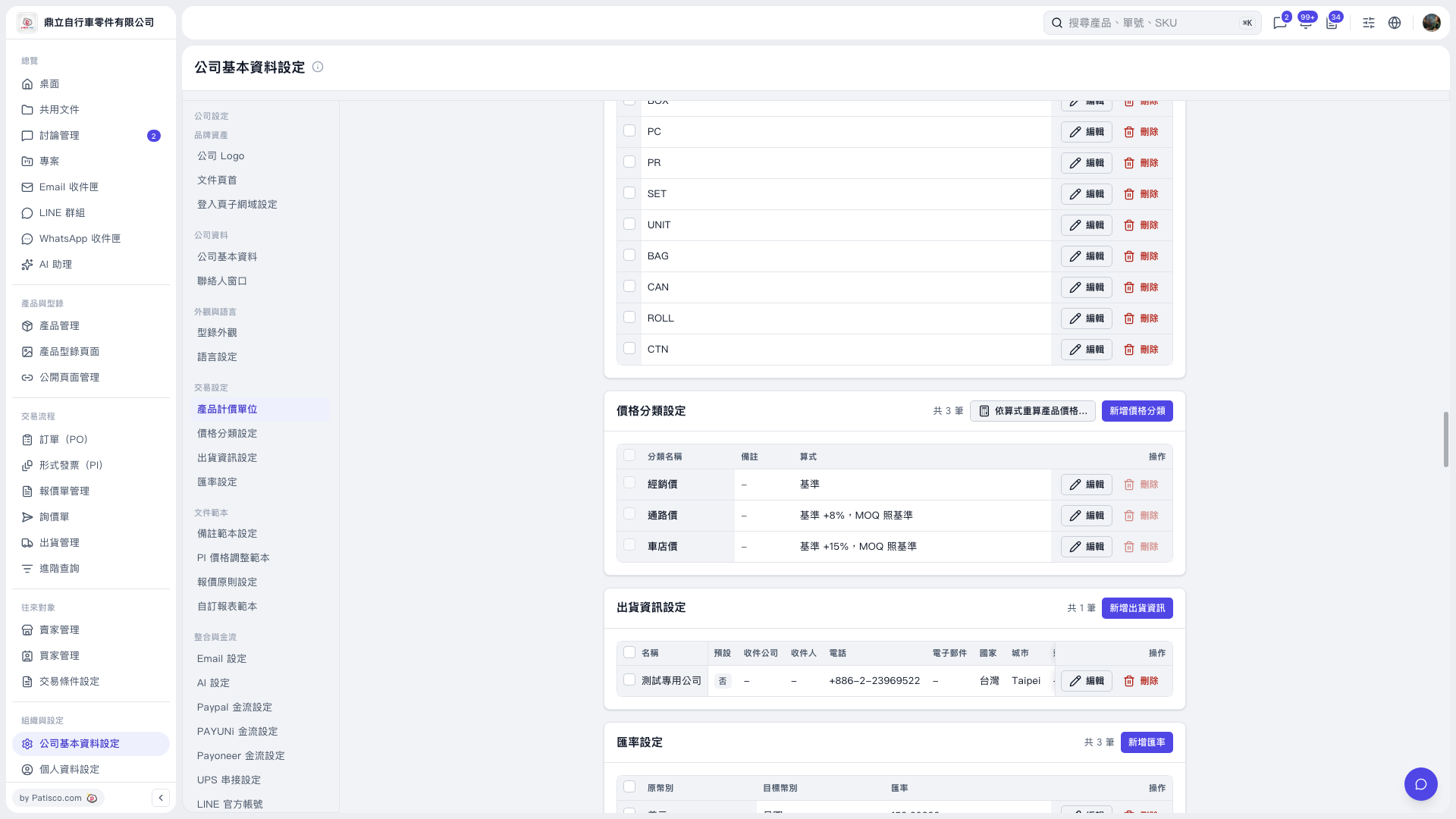
1. In the "Price Category Settings" section of "Company Basic Information Settings", check each category's formula. To make adjustments, click "Edit" on the right side of the relevant row. 2. Click "Recalculate Product Prices Using Formulas…" in the upper-right corner of the section, then follow the instructions on the screen that opens. 3. You can ask the AI: "I want to use Distributor Price as the base to recalculate Channel Price and Bike Shop Price for all products. Please preview the results first." 4. The AI would reply, using this demo as an example: "The preview contains 64 rows: 50 retained and 14 skipped. Both write modes show 'Write 0 Records'. Prices could not be read for 5 products, so they will not be processed this time." Only a preview was performed in this demo; the write button was not clicked.
 V5 新桌面版|公司基本資料設定