
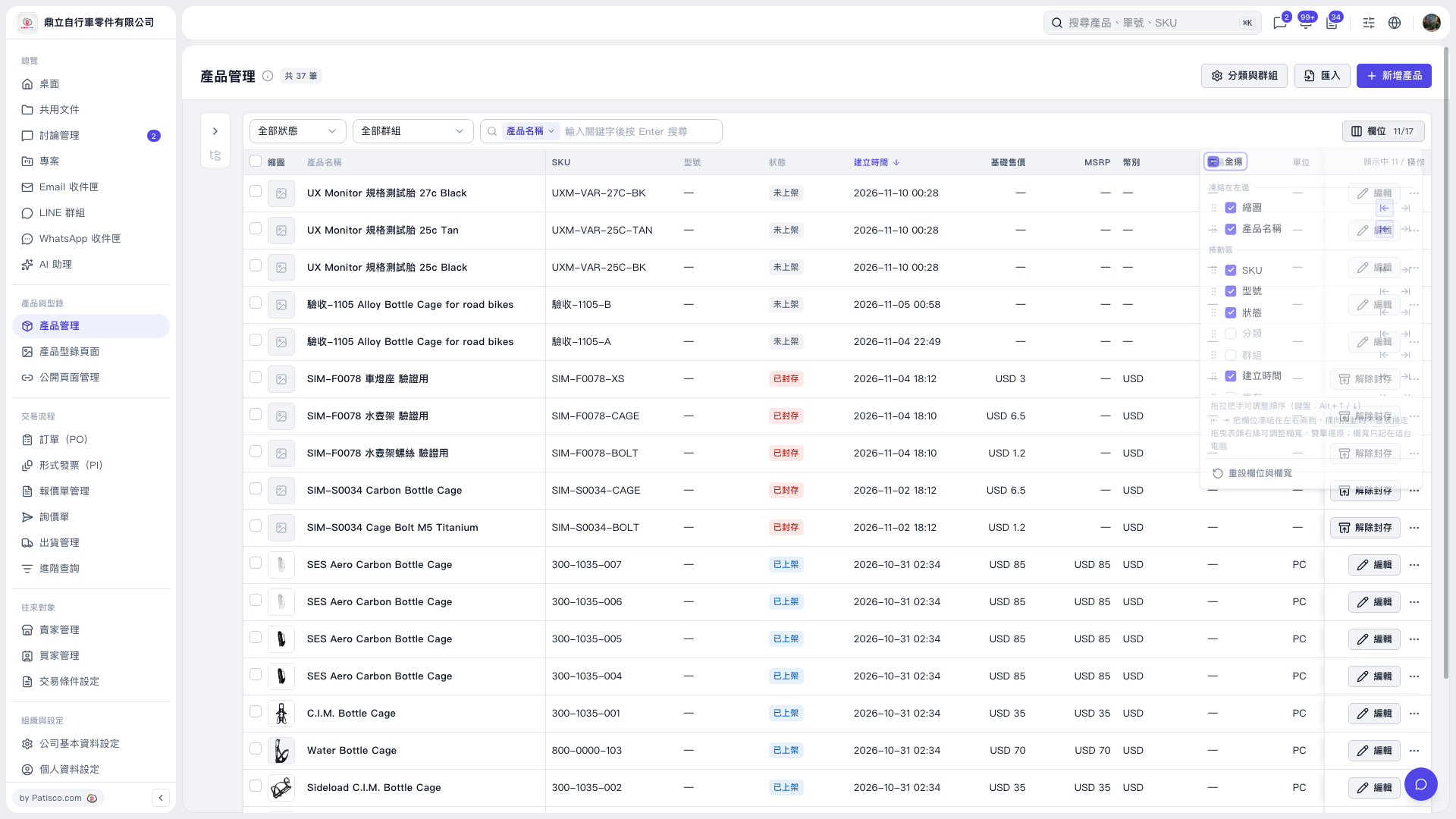
1. Click “Columns 11/17” at the top right of the Product Management list to open the column settings menu. 2. Select the columns you want to display and clear the checkboxes for columns you want to hide, such as “Category” and “Group.” 3. Drag the handle to the left of a column to change its order. You can also use Alt + ↑/↓ on the keyboard. 4. Use the left and right arrows next to a column to adjust its pinned position. Drag the right edge of a column header to adjust the column width.
 V5 新桌面版|產品管理