
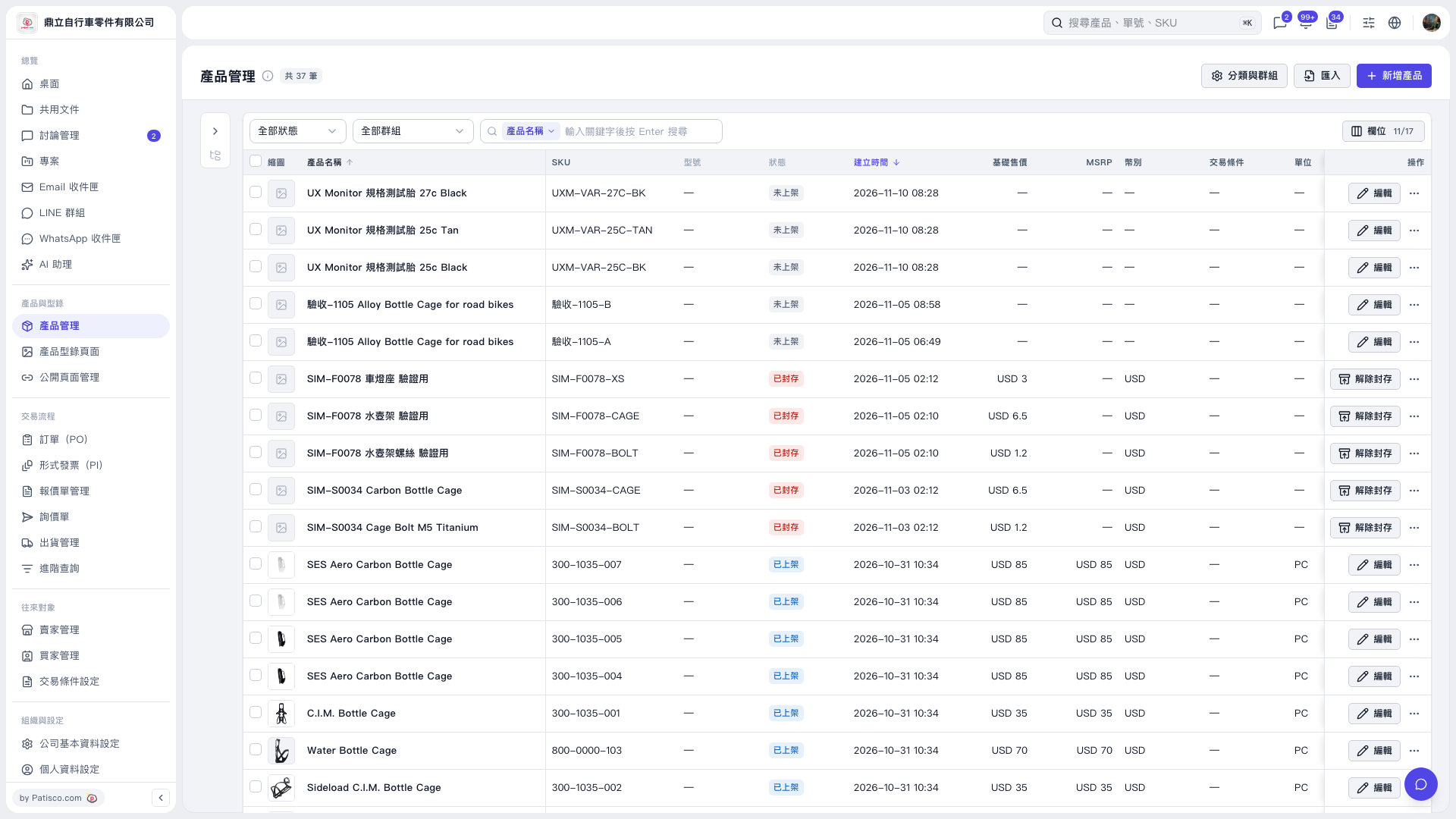
1. In the Product Management list, select the leftmost select-all checkbox in the table header to select the products on the current page. 2. Click the “Select All N Items” link to expand the selection to products across all pages. In this example, the current page contains 20 items, and clicking the link selects 37 items in total. 3. Once all products are selected, you can use “Batch Publish,” “Batch Unpublish,” or “Reuse Photos from the Same Group.” To return to selecting only the current page, click “Select Only the 20 Items on This Page.”
 V5 新桌面版|產品管理