
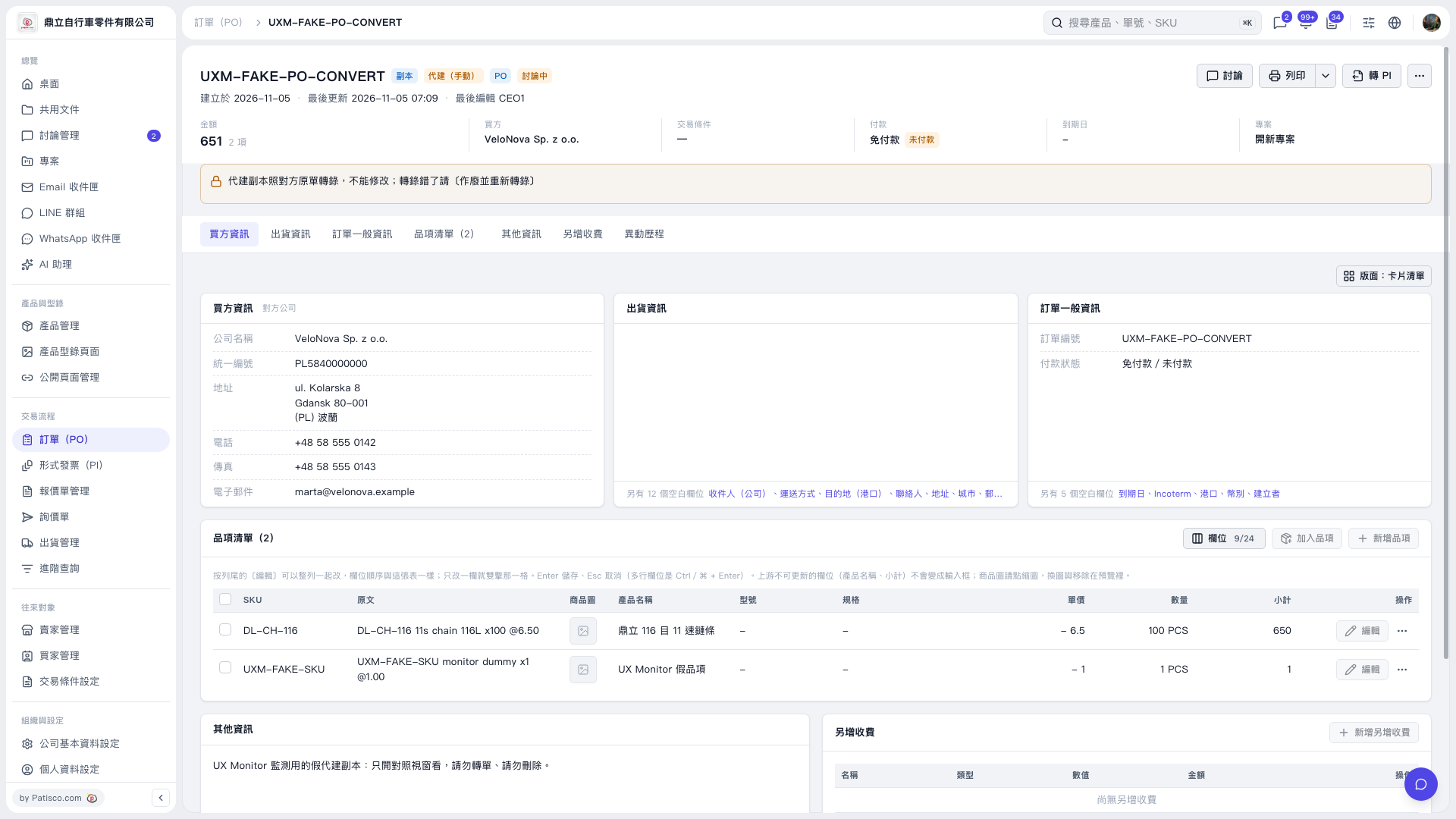
1. On the PO page, check “Buyer information,” “Payment status,” and the quantities and amounts in “Item list (2).” 2. Click “Convert to PI” in the upper-right corner to start converting the PO to a Proforma Invoice (PI). 3. Follow the instructions on the subsequent screens. The current screen does not show the conversion dialog, so the subsequent fields and buttons cannot be confirmed.
 V5 新桌面版|UXM–FAKE–PO–CONVERT