
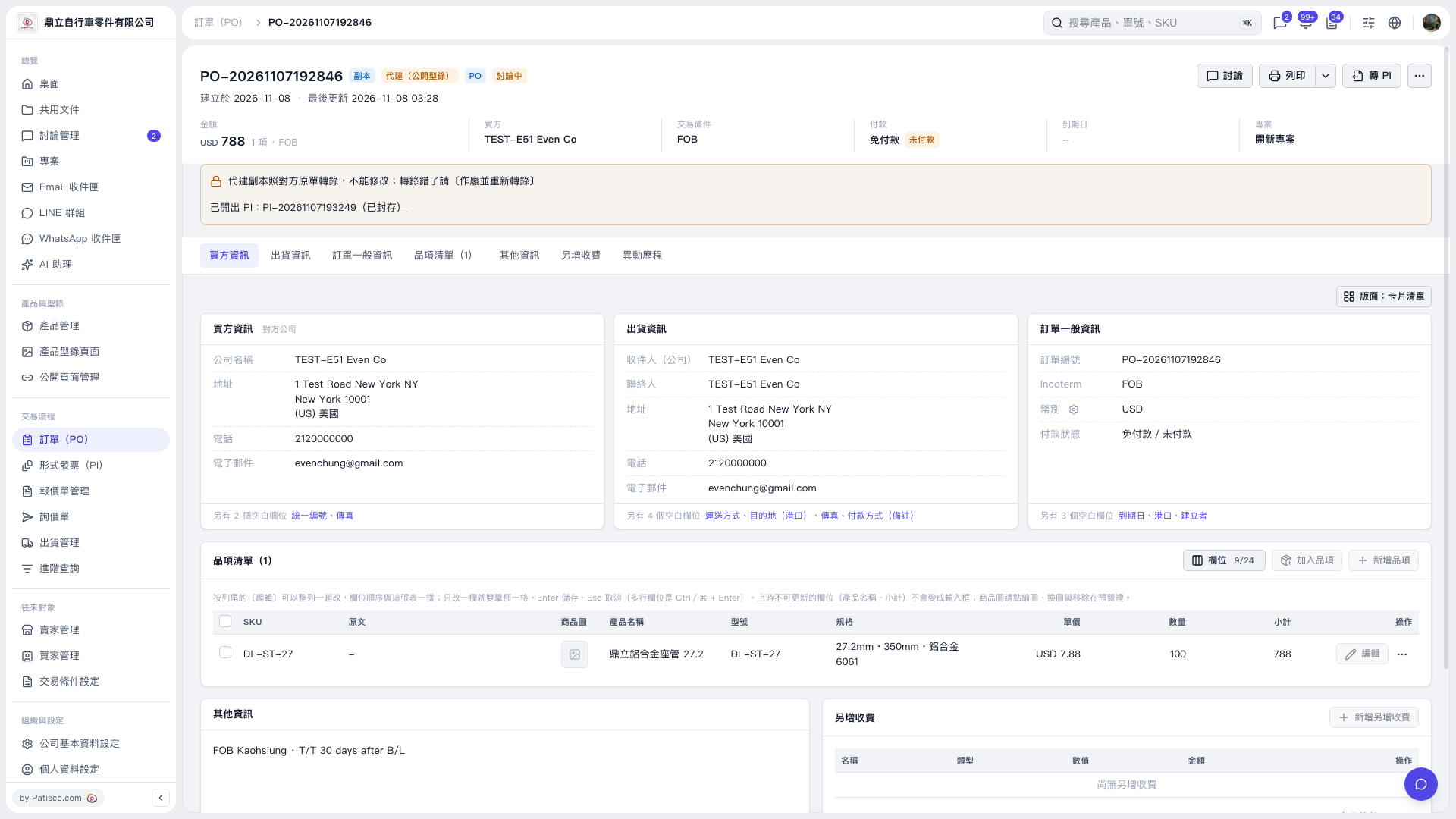
1. At the top of the PO-20261107192846 page, find “PI issued: PI-20261107193249 (Archived).” 2. Click this message to view the issued Proforma Invoice. 3. To continue using this PI, follow the dialog instructions to open and unarchive it. The current screen does not show where to access the unarchive action.
 V5 新桌面版|PO-20261107192846