
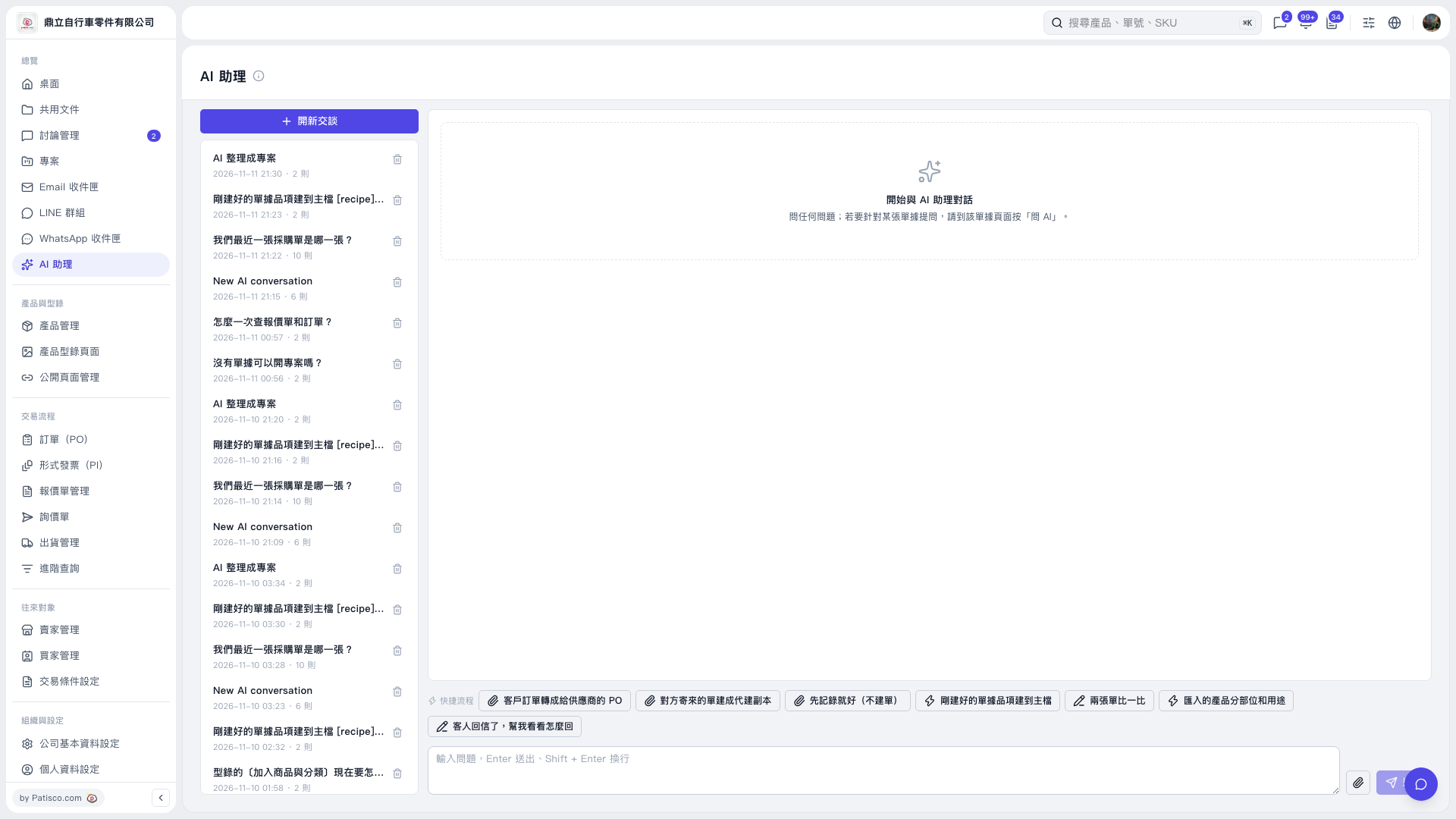
1. On the AI assistant page, click “New conversation” at the top left, or click a past conversation title to continue that conversation. 2. In “Quick workflows” above the question input box, select “Create a proxy copy from a document sent by the other party.” 3. Select the inquiry, PO, quotation, or PI files sent by the other party. You can select multiple files at once. 4. Follow the on-screen instructions. AI will transcribe the original text into a proxy copy. Check the content line by line.
 V5 新桌面版|AI 助理