
1. First, check whether HS code details have been entered for the shipping items. Checking “Print HS Code” does not automatically fill in the data. 2. Go to “Shipping Items”, click “Edit…” in the item's row, and enter “HS Code” and “HS Description”. 3. Click “Report” at the top right again and confirm that “Print HS Code” is checked. 4. You can ask: “Why are there still no HS codes even though I checked the option?” An example AI response is: “None of the items in this shipping document have HS codes entered yet, so checking the option will not print any HS codes. First, go to ‘Shipping Items’ and click ‘Edit…’ in the item's row to enter the details.”
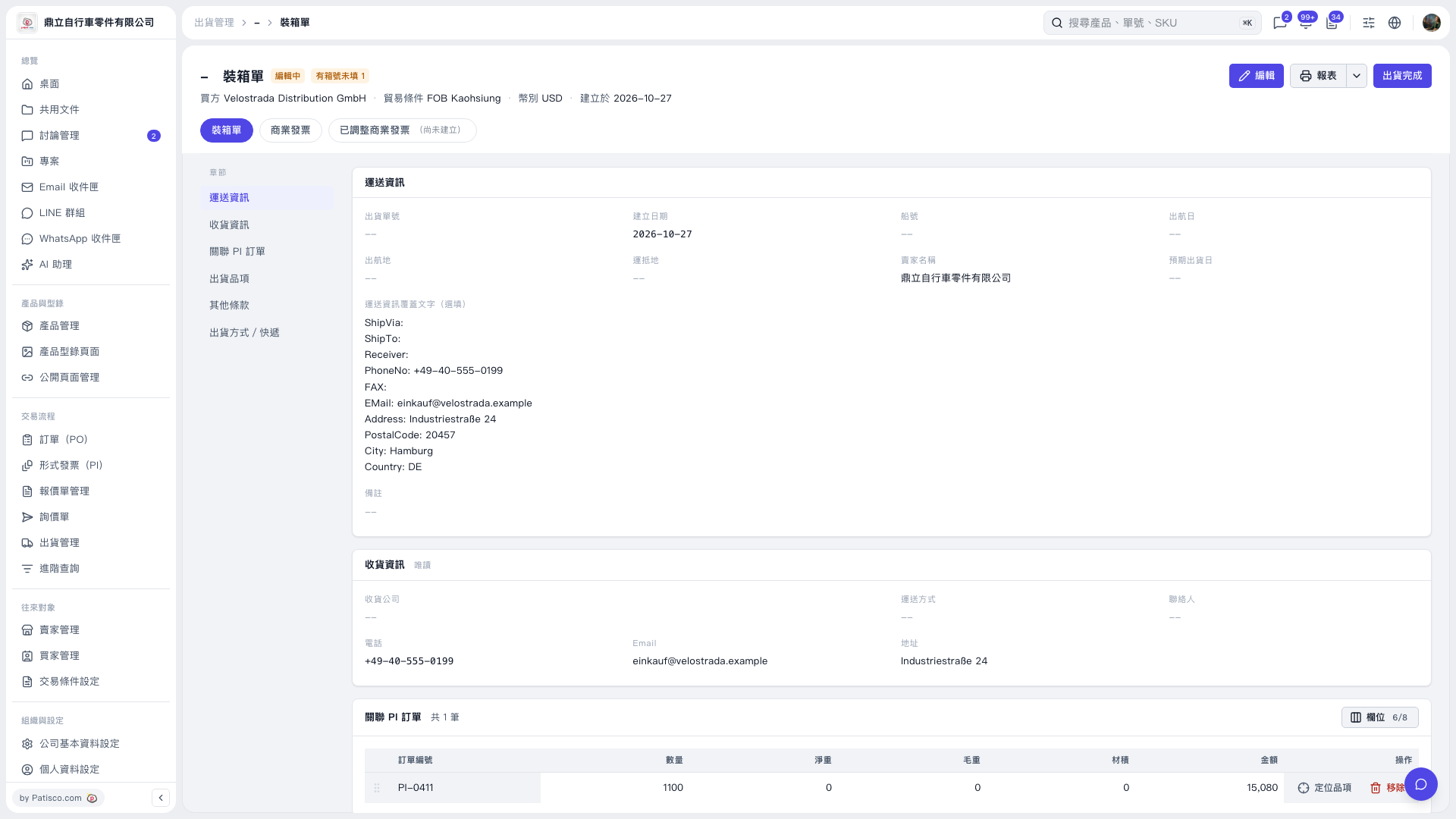 V5 新桌面版|裝箱單