
1. First, confirm that HS codes have been entered for the shipment items. If all items are missing HS codes, a yellow notice appears, and no HS codes will be printed even if the print option is selected. 2. Go to “Shipment Items”, click “Edit…” in the row of the item you need to update, and enter the “HS Code” and “HS Description”. 3. Open “Reports” again. Confirm that “Print HS codes” is selected in the V5 version or the system native version, and check the report contents. 4. You can ask: “Why are HS codes still missing after I select ‘Print HS codes’?” The AI would reply: “Items without an HS code entered will not have one printed. Go to ‘Shipment Items’ and use ‘Edit…’ in the relevant row to enter it first.”
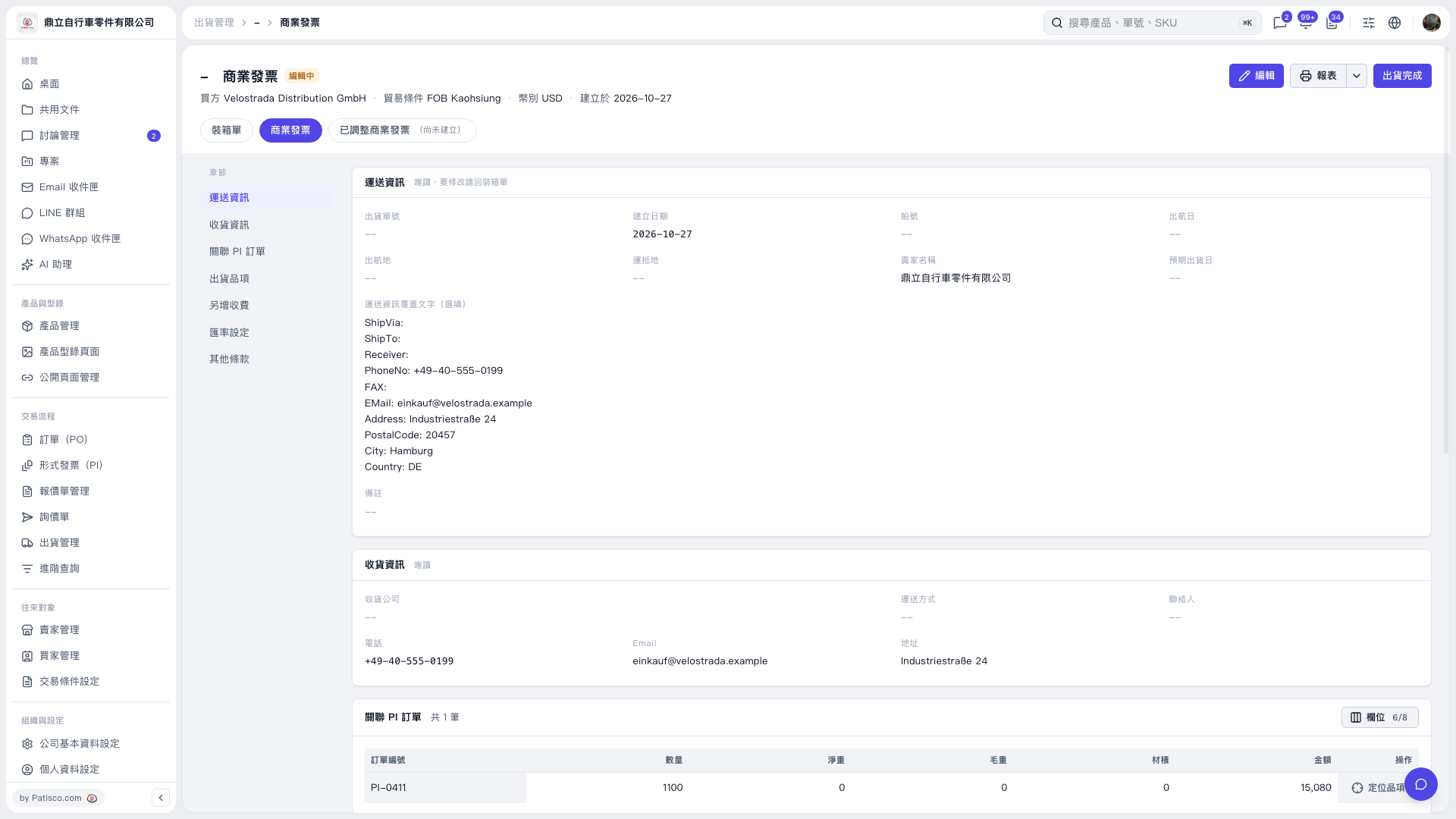 V5 新桌面版|商業發票