
1. Open the Proforma Invoice and check the current “Payment Method (Remarks)” under “Shipping Information”. 2. Click “Edit” in the upper right, find “Payment Method (Remarks)”, and edit the contents. You can enter up to 50 characters. 3. Click “Save”. If you enter 51 characters, “51/50” is displayed, and saving shows the message “Maximum 50 characters”. Shorten the text to 50 characters or fewer, then save again. 4. Return to the details page to check the payment information. When you need to submit the changes, click “Submit” in the upper right. To discard the changes, click “Discard Changes”.
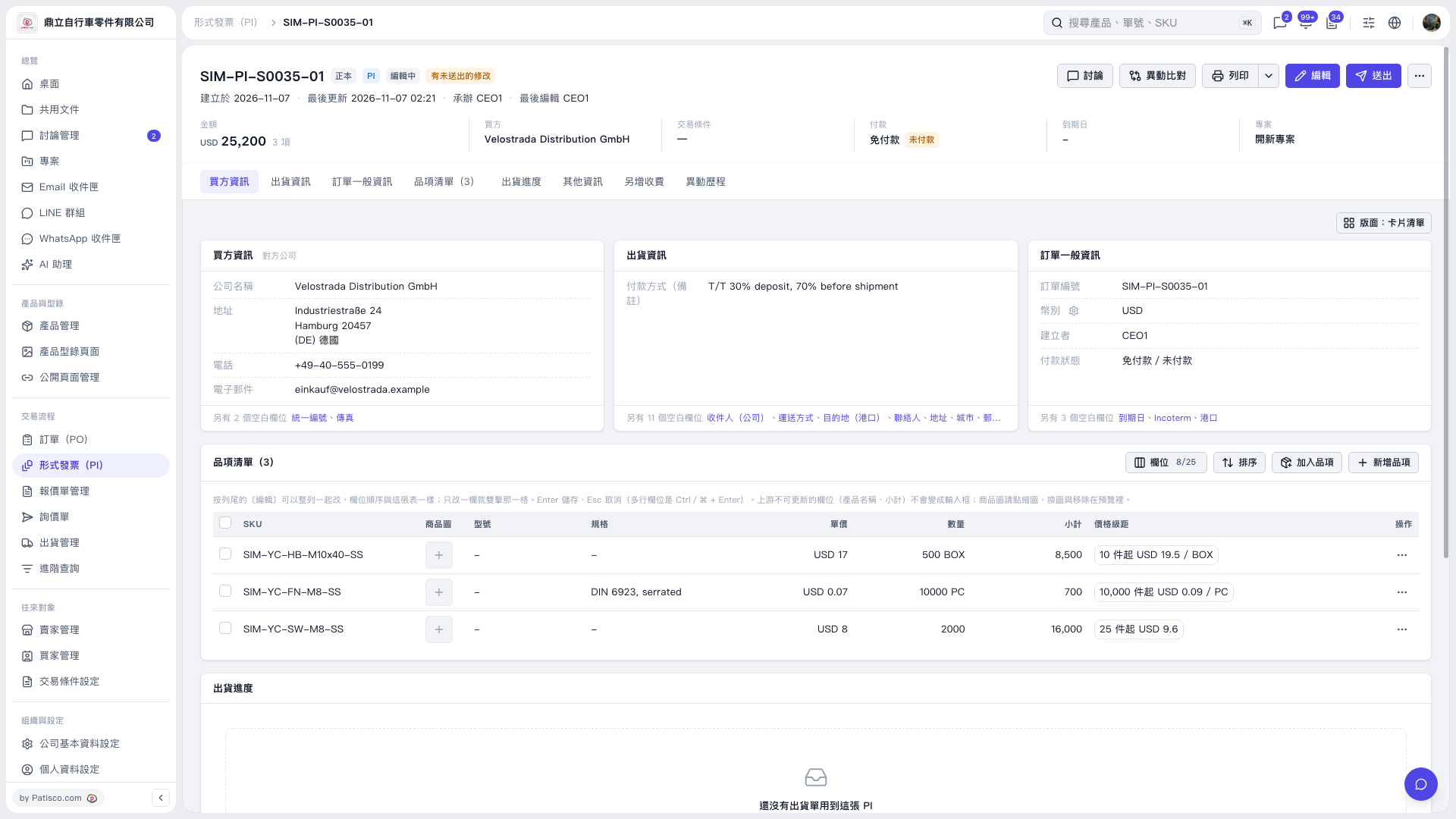 V5 新桌面版|形式發票 SIM–PI–S0035–01